Metadata Comparison
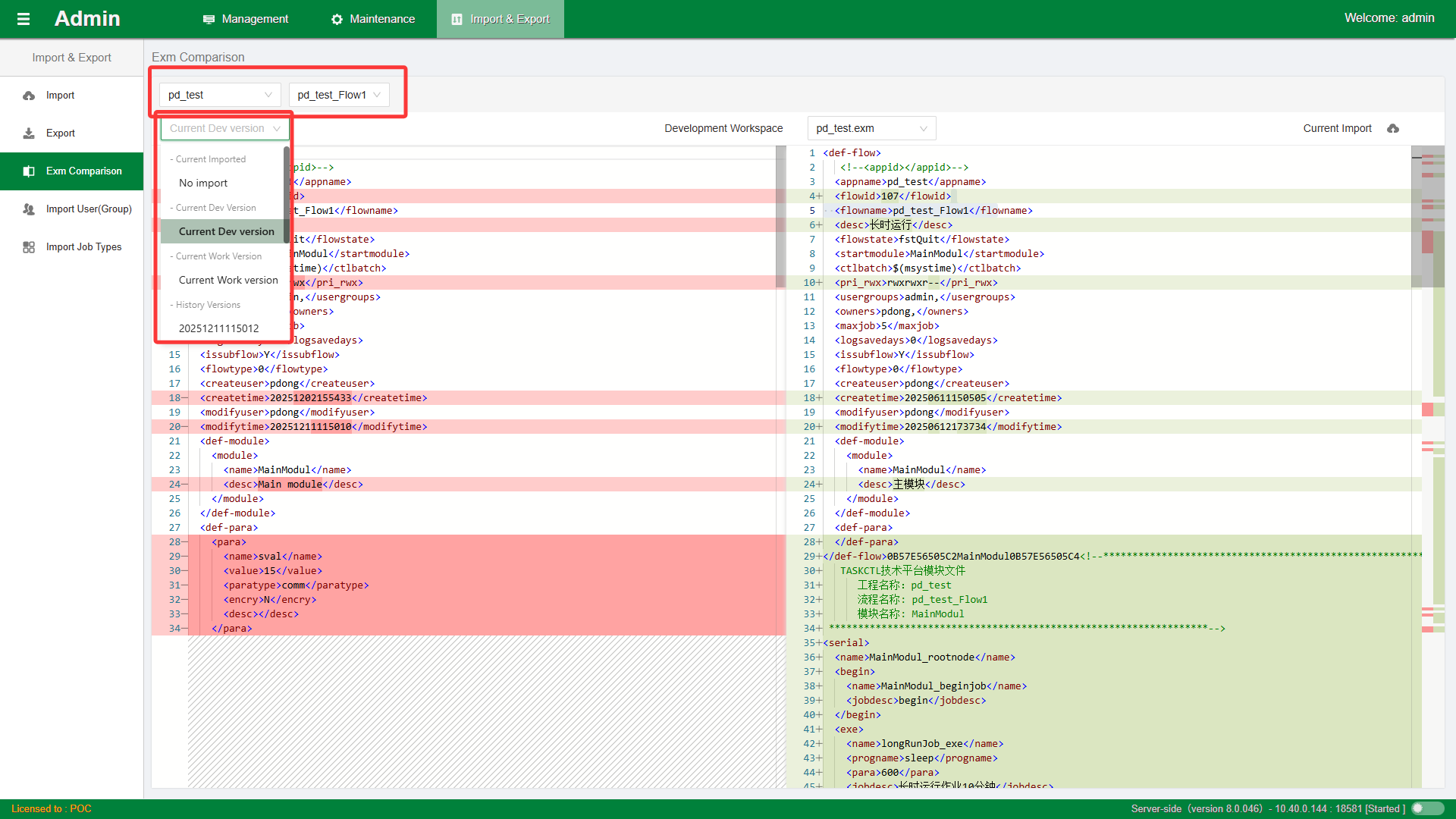
Provides metadata content comparison functionality. On the left side, you can select the corresponding workflow in the system. Use the dropdown to select Project Name and Workflow Name, and click No Import to select the corresponding version.
Current Development Environment Version: This version is the saved version of the corresponding workflow in the current system's Design.
Current Working Environment Version: This version is the released version of the corresponding workflow in the current system's Monitor.
Historical Version: The historically released version confirmed through the version number.
The left side is the local file. After selecting different versions, the selected information will be compared.
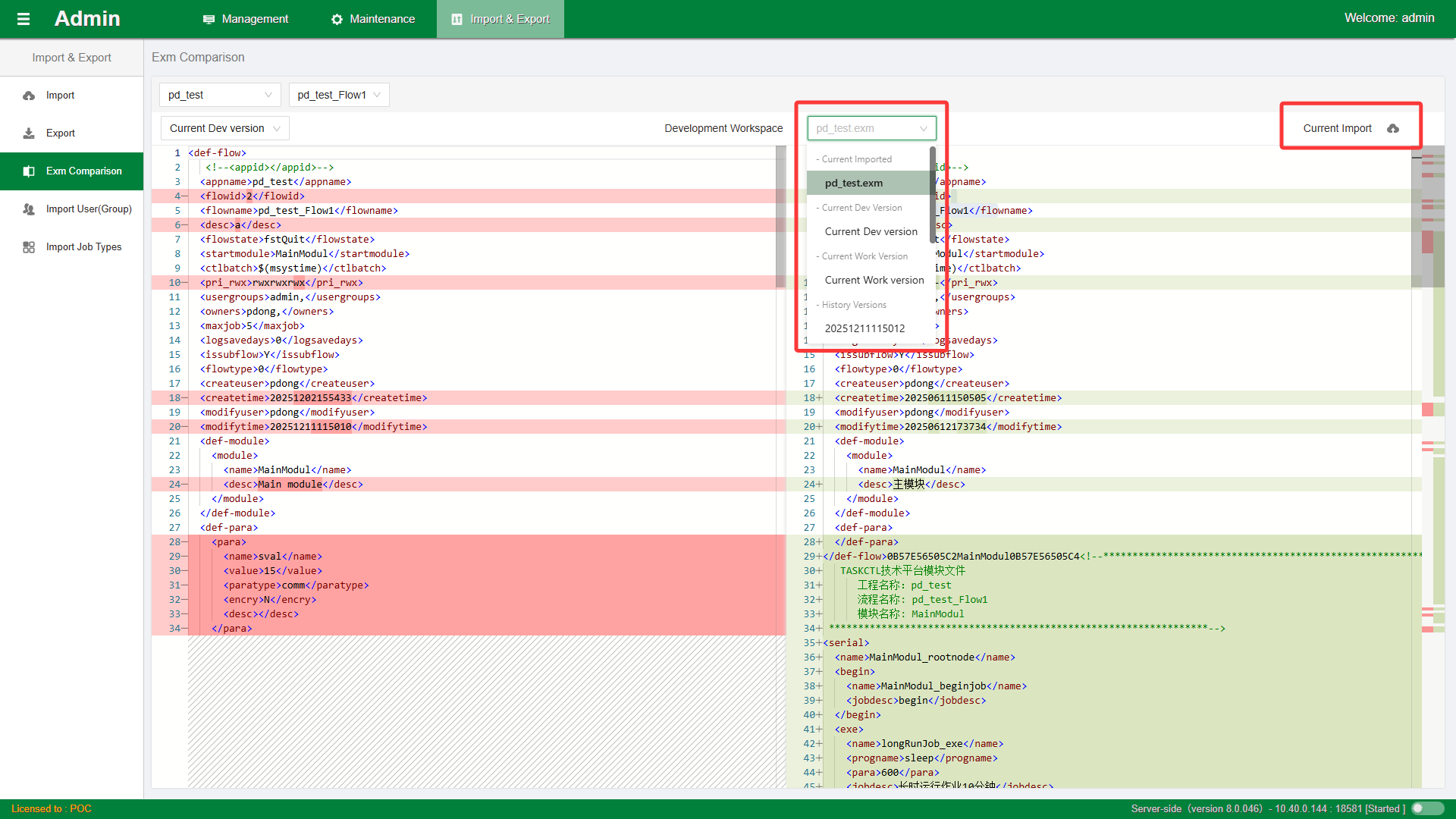
The right side can select Current Import, and uploading one file enables the two-file comparison function.