
Forced Check-in
The forced check-in function is mainly used to manage the check-in/check-out status of workflows. When a workflow displays checked out by others, if you need to check out that workflow, you need to force check it in first. After clicking the Forced Check-in button for the data item and confirming, the operation status will show check-in completed. Use the Refresh button in the upper-right corner to refresh and query workflows that are checked out by others in the current system.
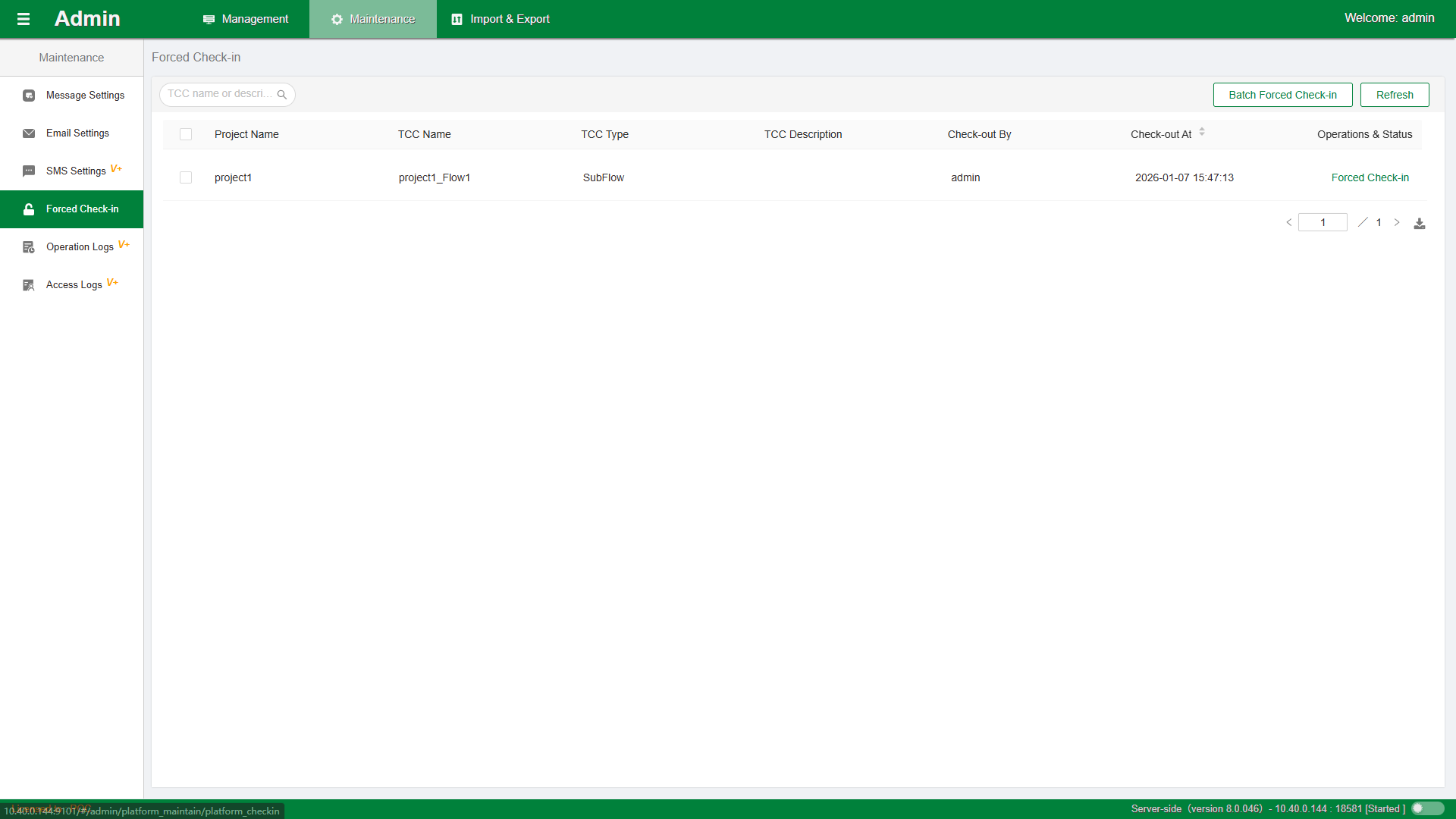
Select data and click Batch Forced Check-in to perform batch check-in operations.
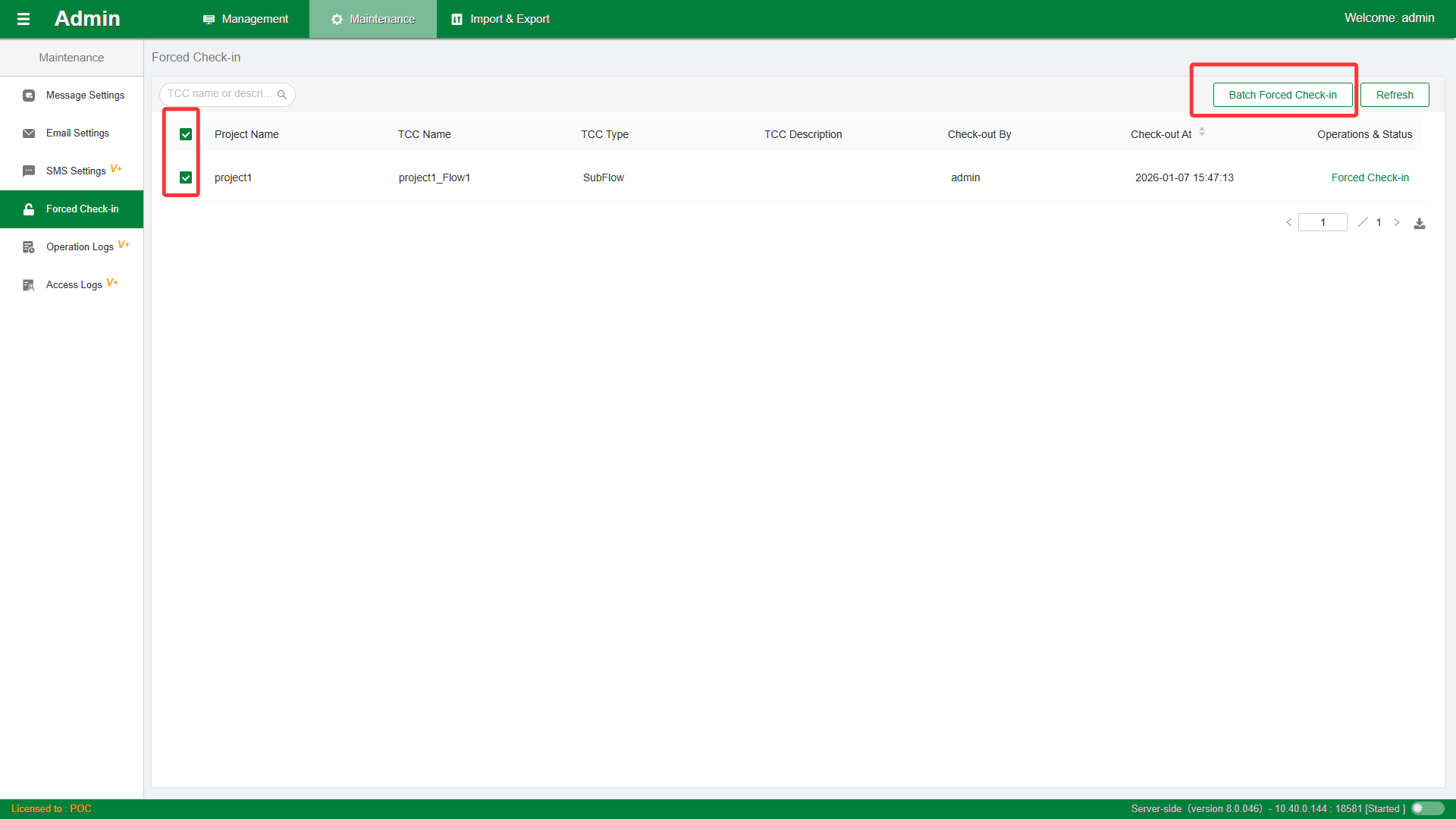
Note: Forced check-in will cause other developers' normal editing operations to fail. Please operate with caution.