Platform Constants
Platform variables are valid throughout the platform scope. All control containers and jobs can reference platform variables. Platform variable values can only be maintained in the Admin management platform.
Add
Click the button to open the create platform variable window, as shown in the figure:
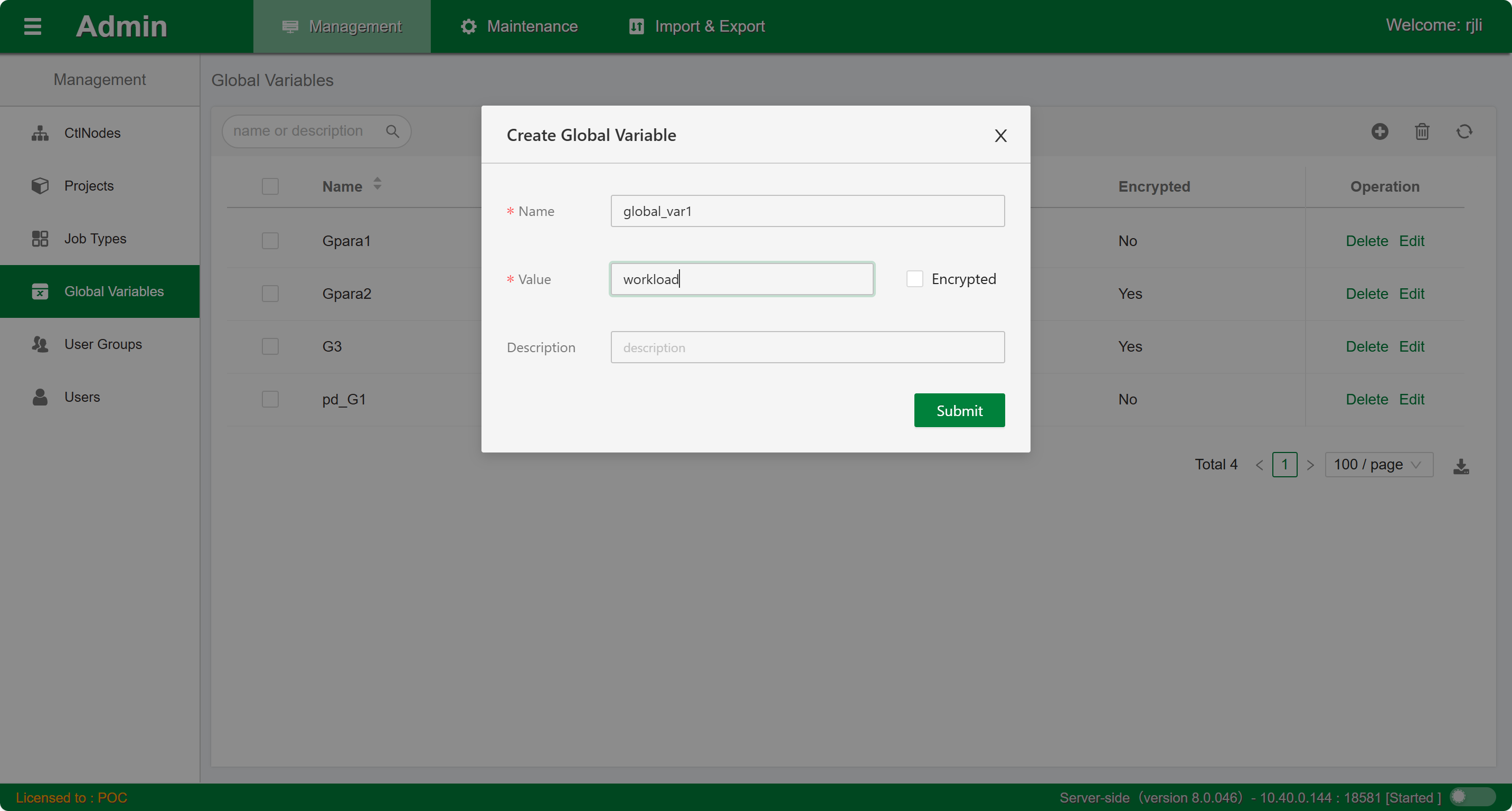
Follow the prompts to enter the variable name, variable value, and description. Note that once the variable name is confirmed, it cannot be modified. Once the variable value is confirmed as encrypted, it cannot be set to unencrypted. Click the Submit button and wait for completion.
Edit
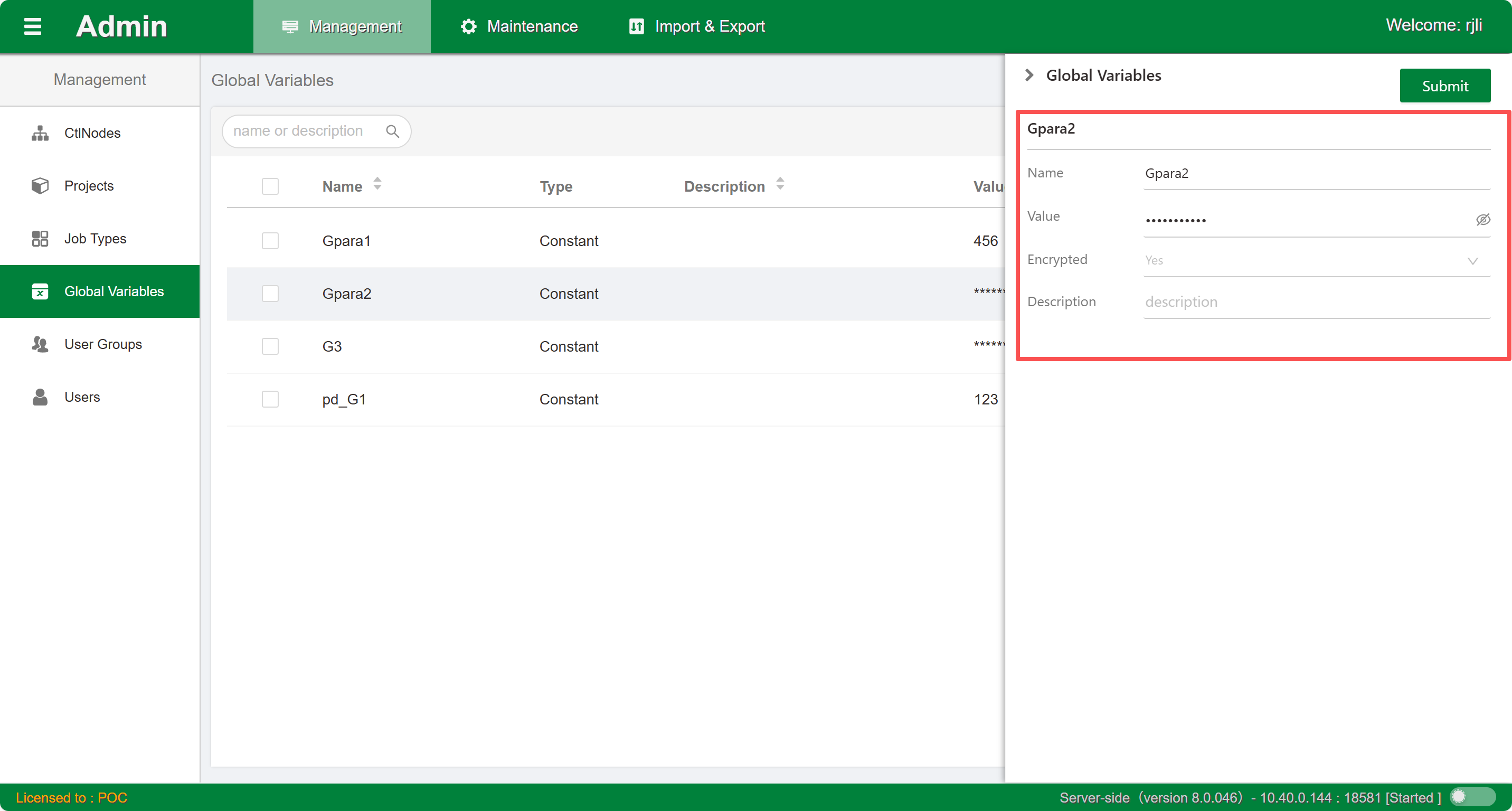
Click the Edit button in the list to open the current platform variable's sidebar edit window. Modify and configure the attributes. Click the Submit button and wait for completion.
Delete
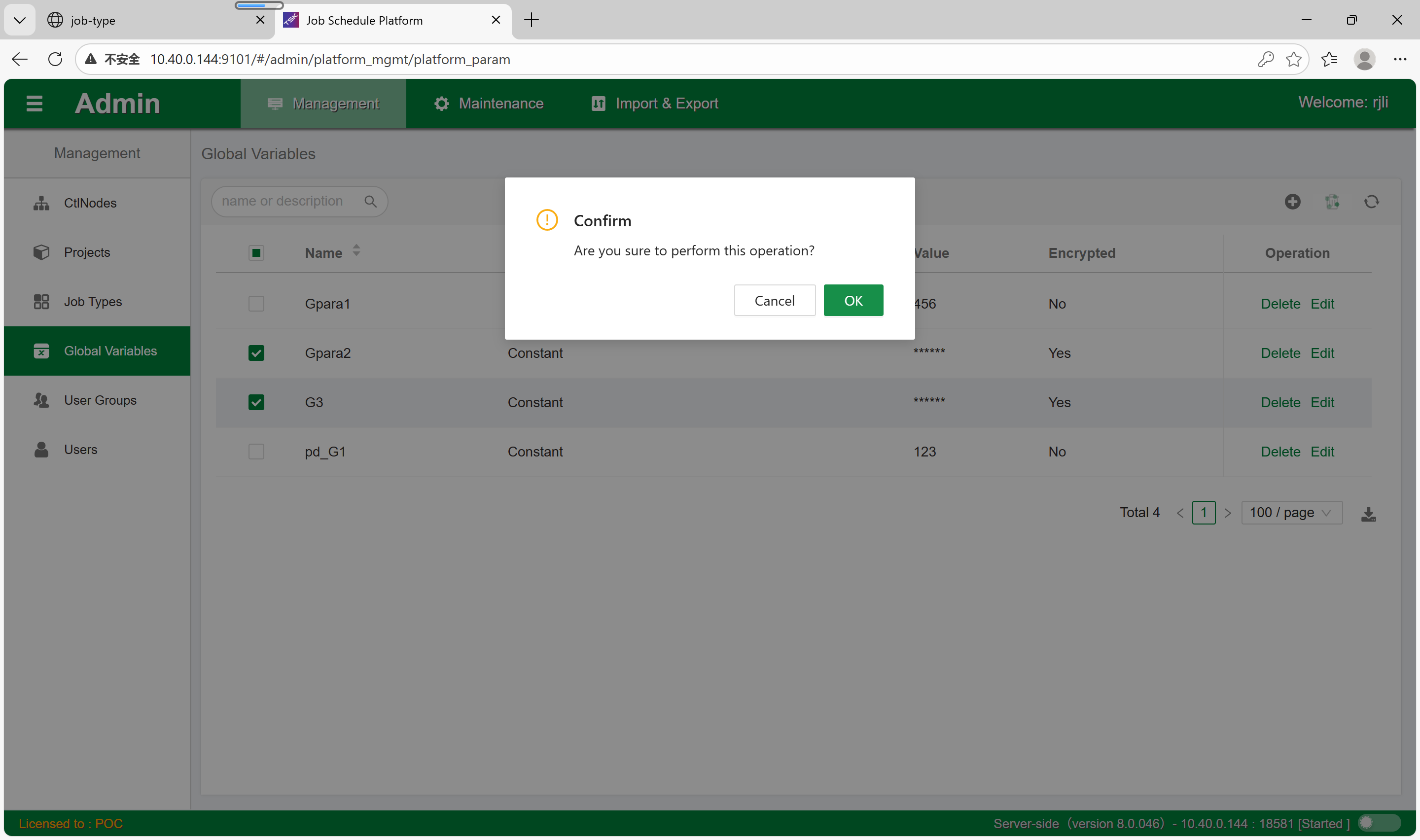
Click the Delete button in the list to delete the current platform variable. You can also select multiple platform variables for batch deletion.