Import and Export
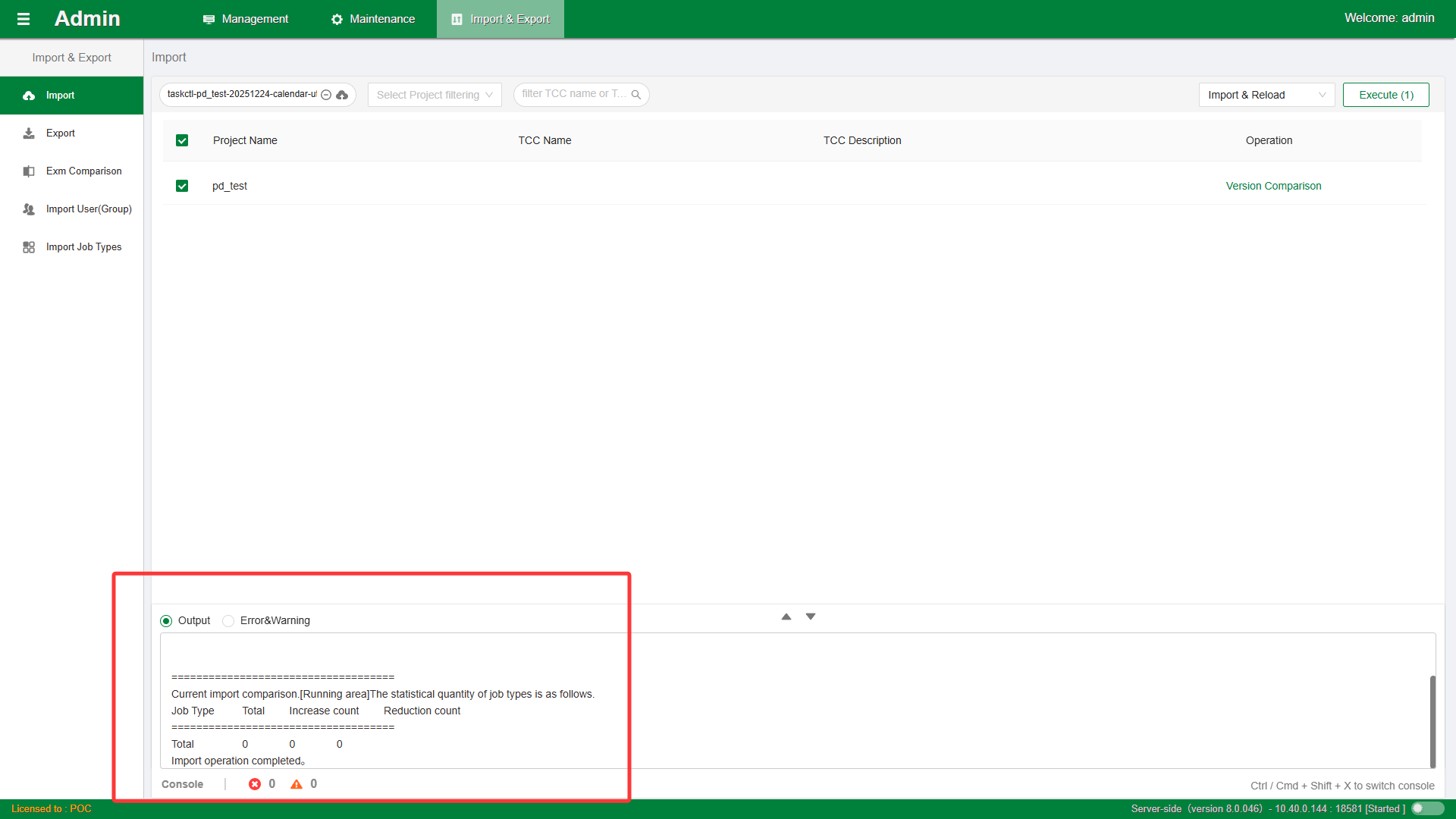
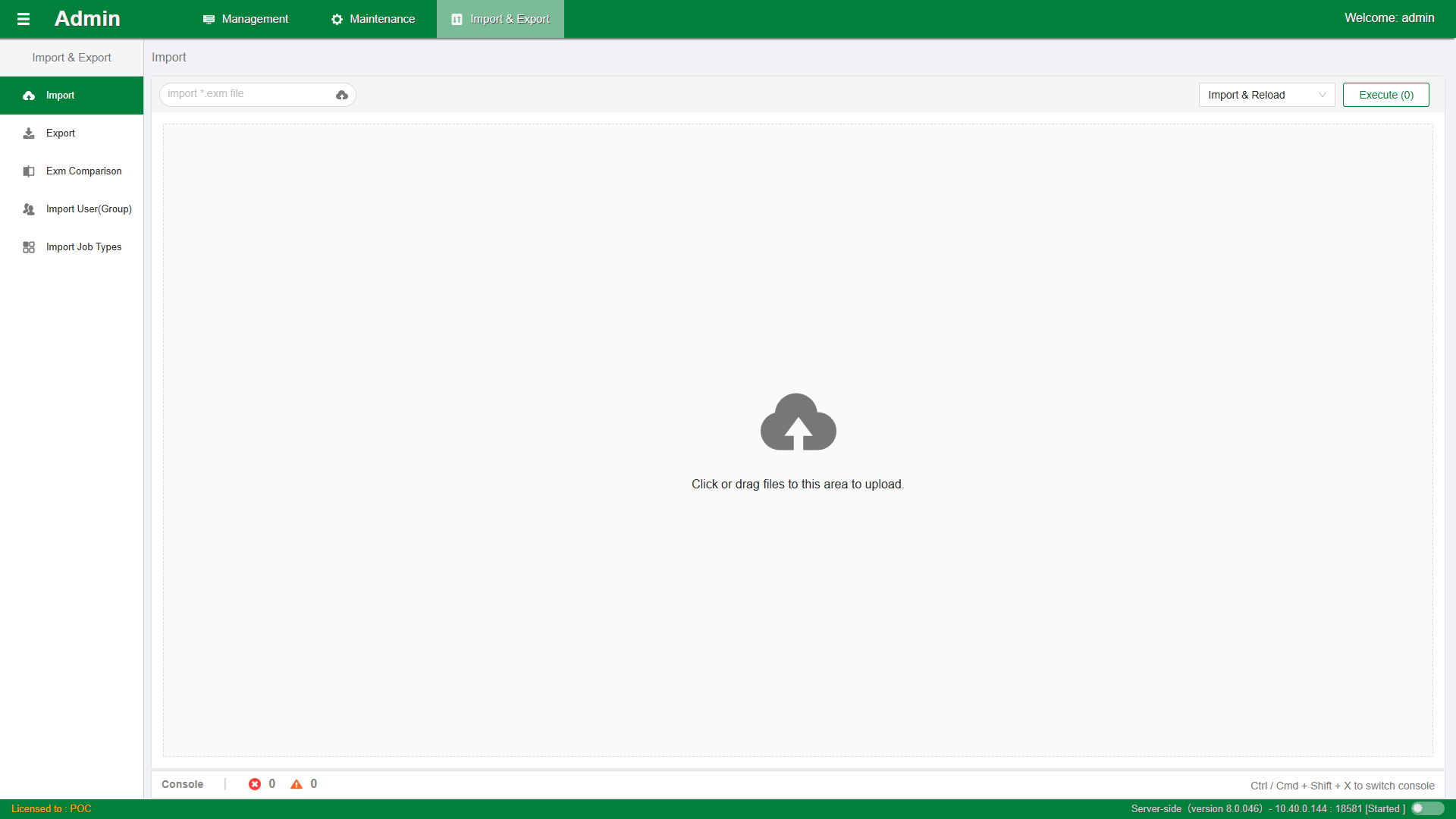
Mainly provides batch import and export functions for control containers for system administrators. Commonly used for scenarios such as test-to-production deployment, production-to-test synchronization, configuration data migration, and scheduling service upgrades. As shown in the figure:
Export Metadata Operation Steps
- Select the control containers to export in the list. You can filter the list information by project or container type. You can also select different workspaces for export.
- Click the
Exportbutton to automatically download the exported file. You can also clickExport Allfor full export.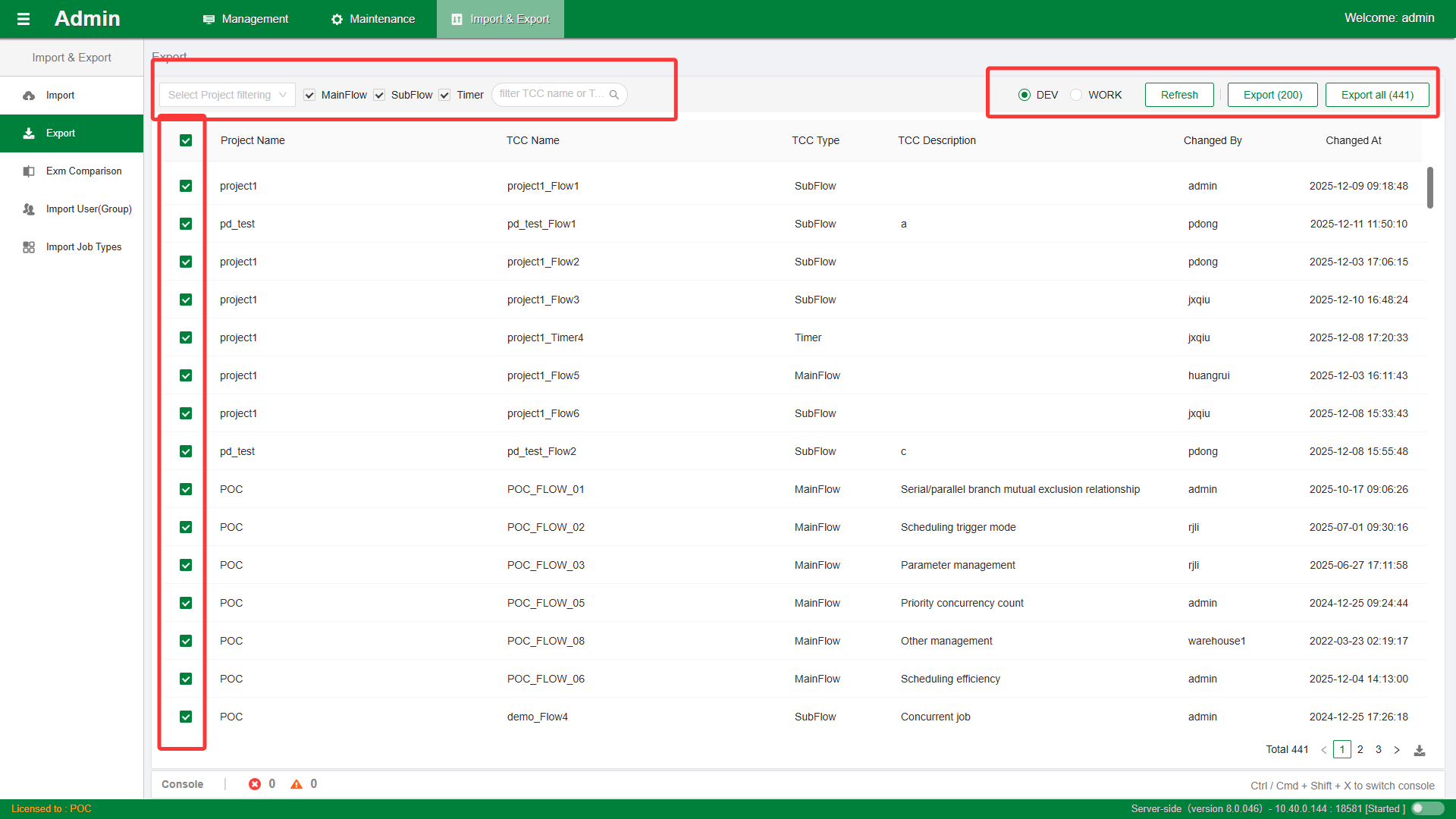 Note: The exported file encoding is
utf-8, and the file name suffix is*.exm.
Import Metadata Operation Steps
- According to the page prompts, select the
*.exmfile to import and preview the container list data ready to be imported.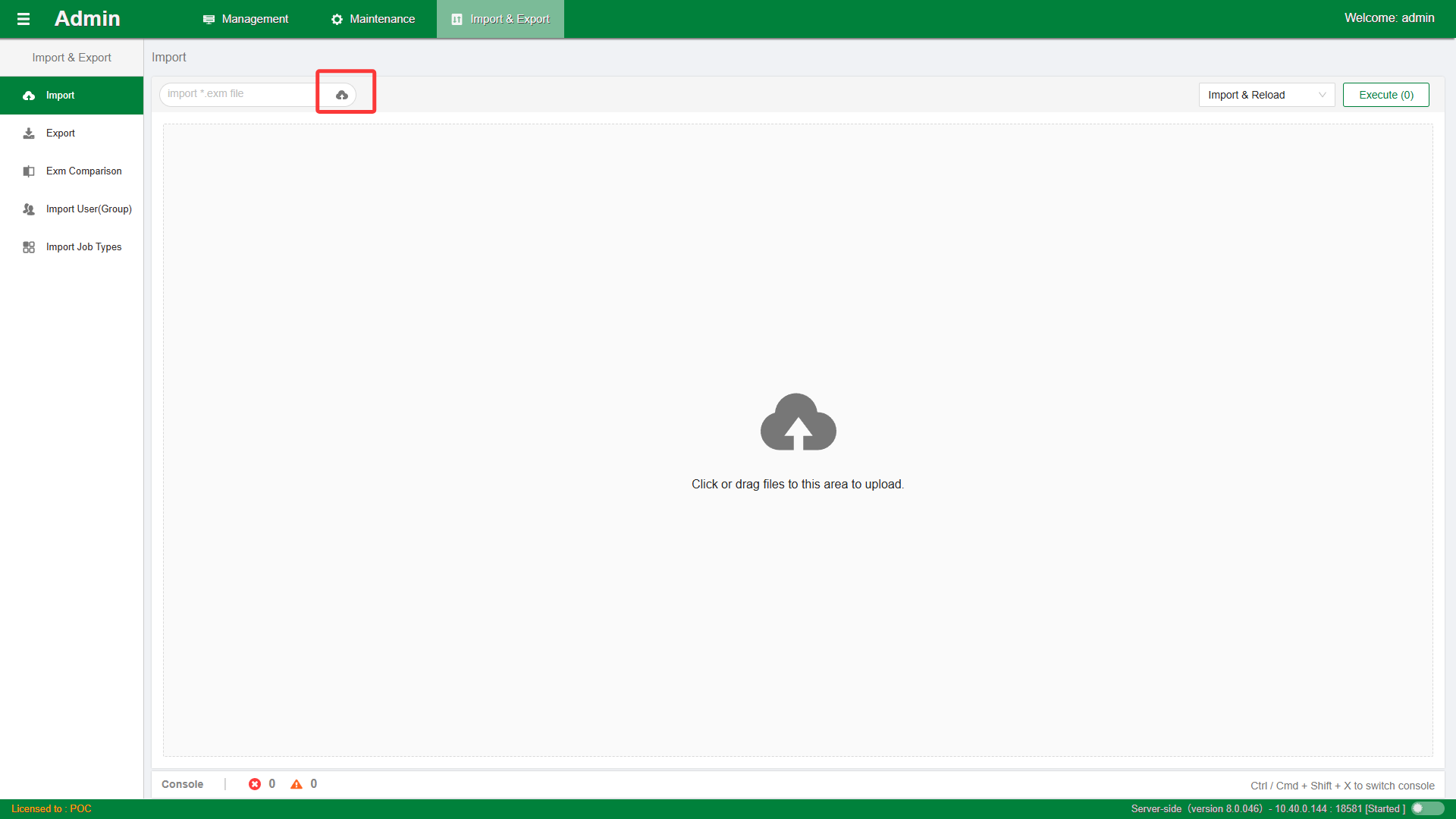
- Use the single-selection checkboxes in the list to further filter and confirm the containers to import.
- You can click the
Import Only,Import and Publish, orImport and Reloadbutton to start importing.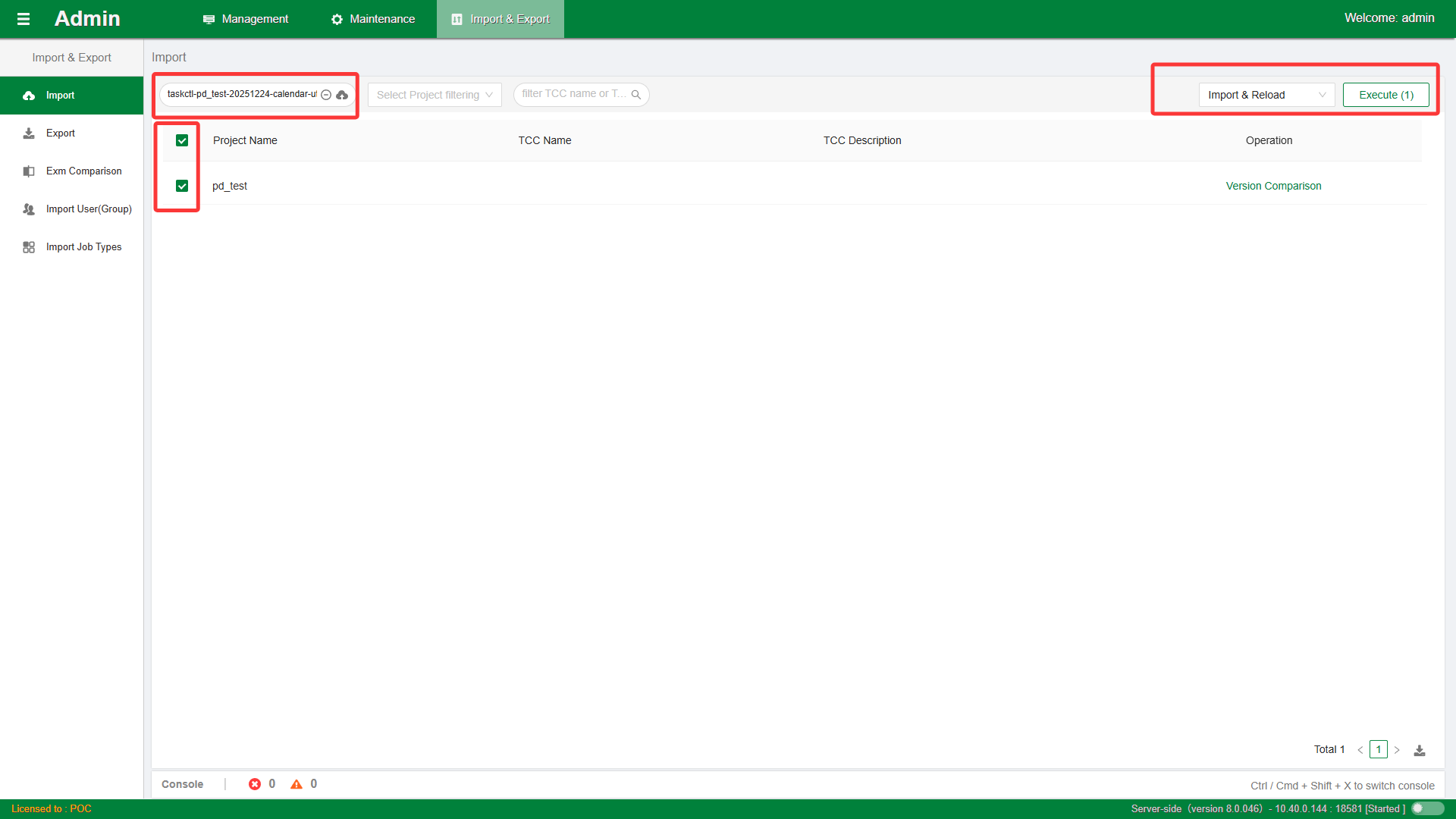
- The console window will dynamically display the import progress and status. Until
Import operation completedis output, the import step is complete.