Job Relationships
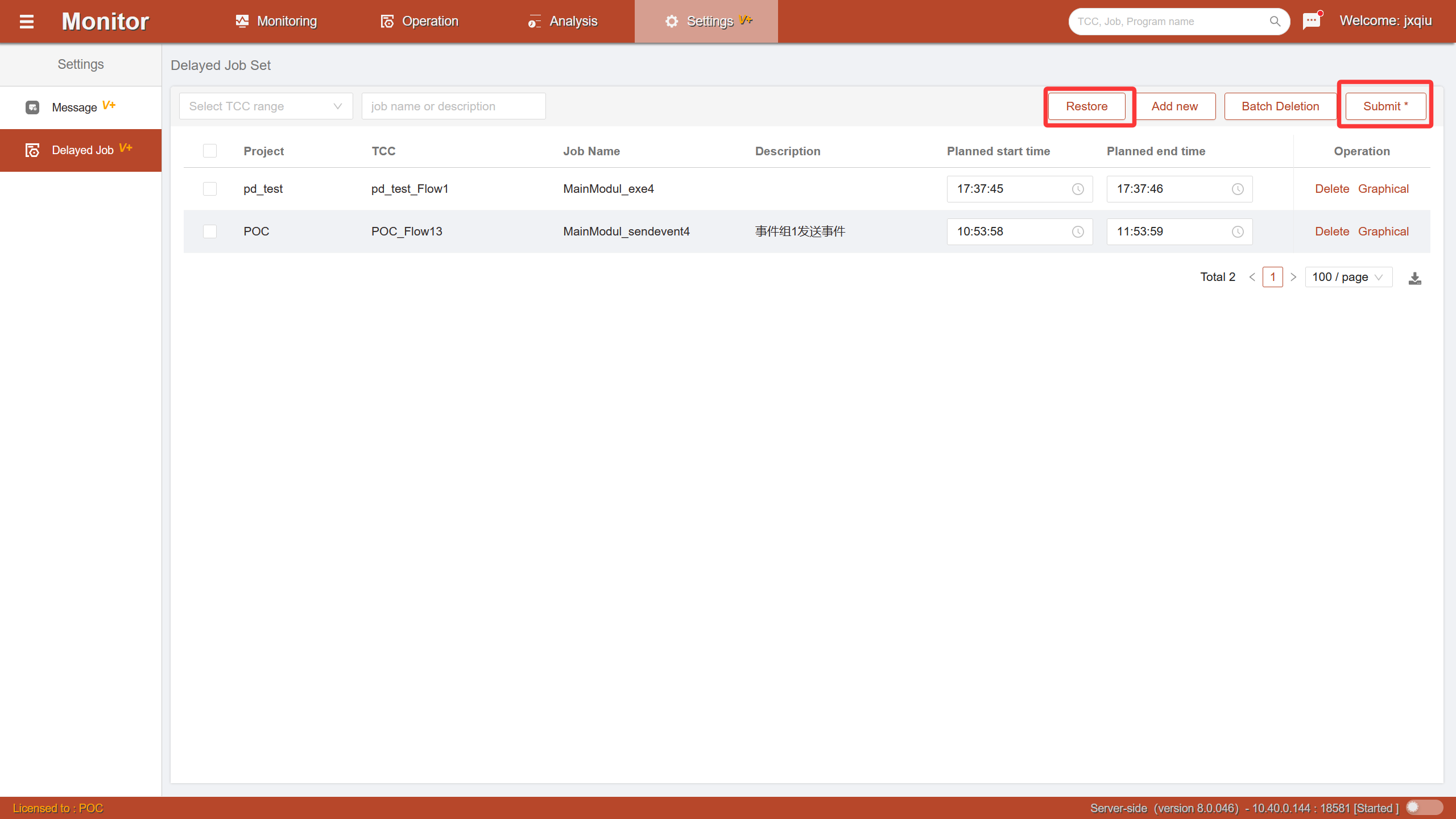
Job relationships are used to query the predecessor/successor dependency relationships of a job.
Delayed Jobs
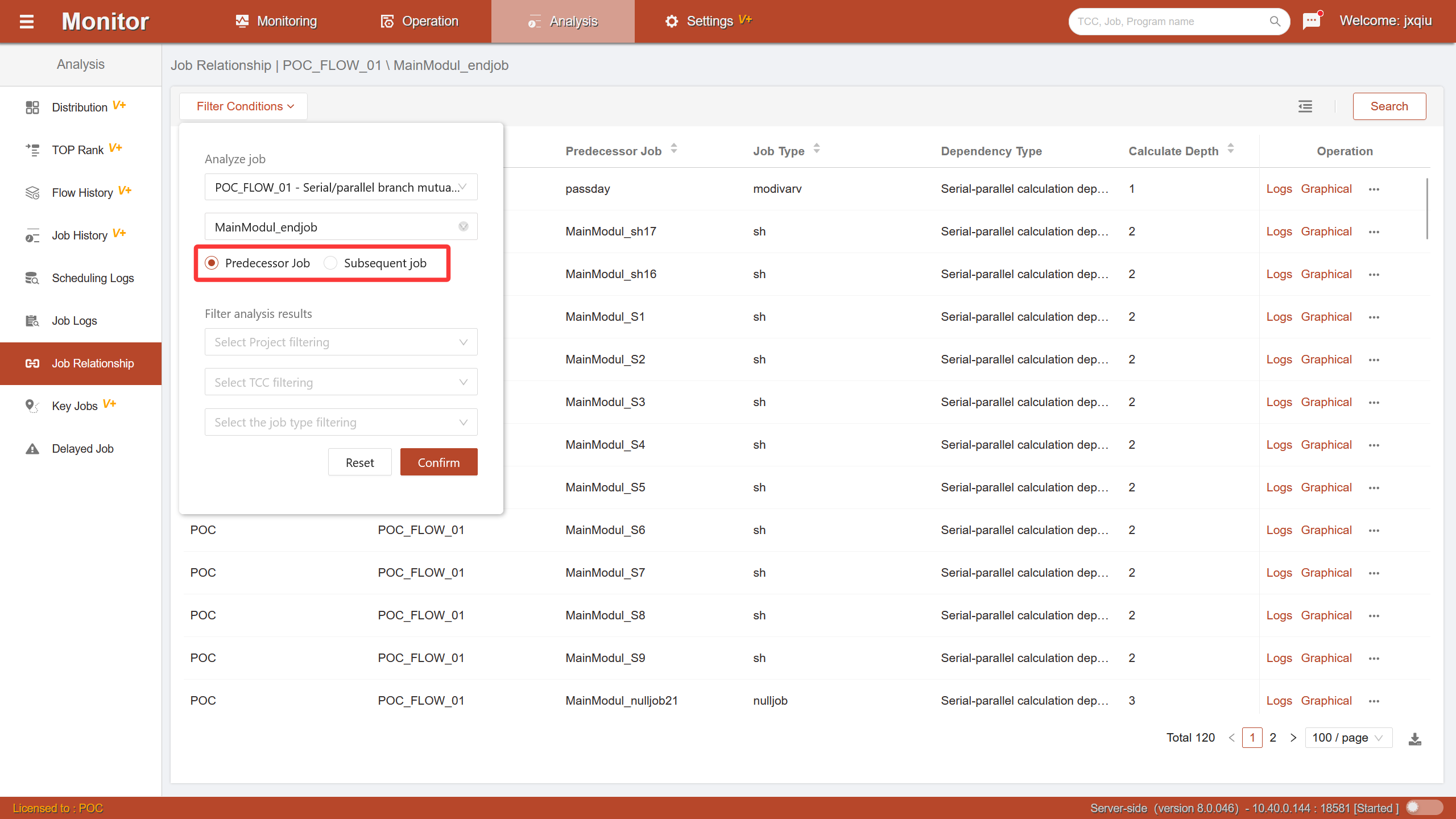
Delayed jobs are used to set a planned execution time window for specified jobs. The system will monitor the actual running situation of jobs based on this time window and notify users through system messages when delays occur.
By configuring the planned start time and planned end time for a job, the system will automatically perform delay checks:
Late Start Alert: When a job has not started execution by the planned start time point, the system will send a system message reminding the user that the job may have a start delay.
Late End Alert: When a job has not completed execution by the planned end time point, the system will send a system message reminding the user that the job may have a running timeout or blocking risk.
This feature helps users promptly discover workflow running exceptions and reduce overall workflow risks caused by job delays.
Configure Delayed Jobs
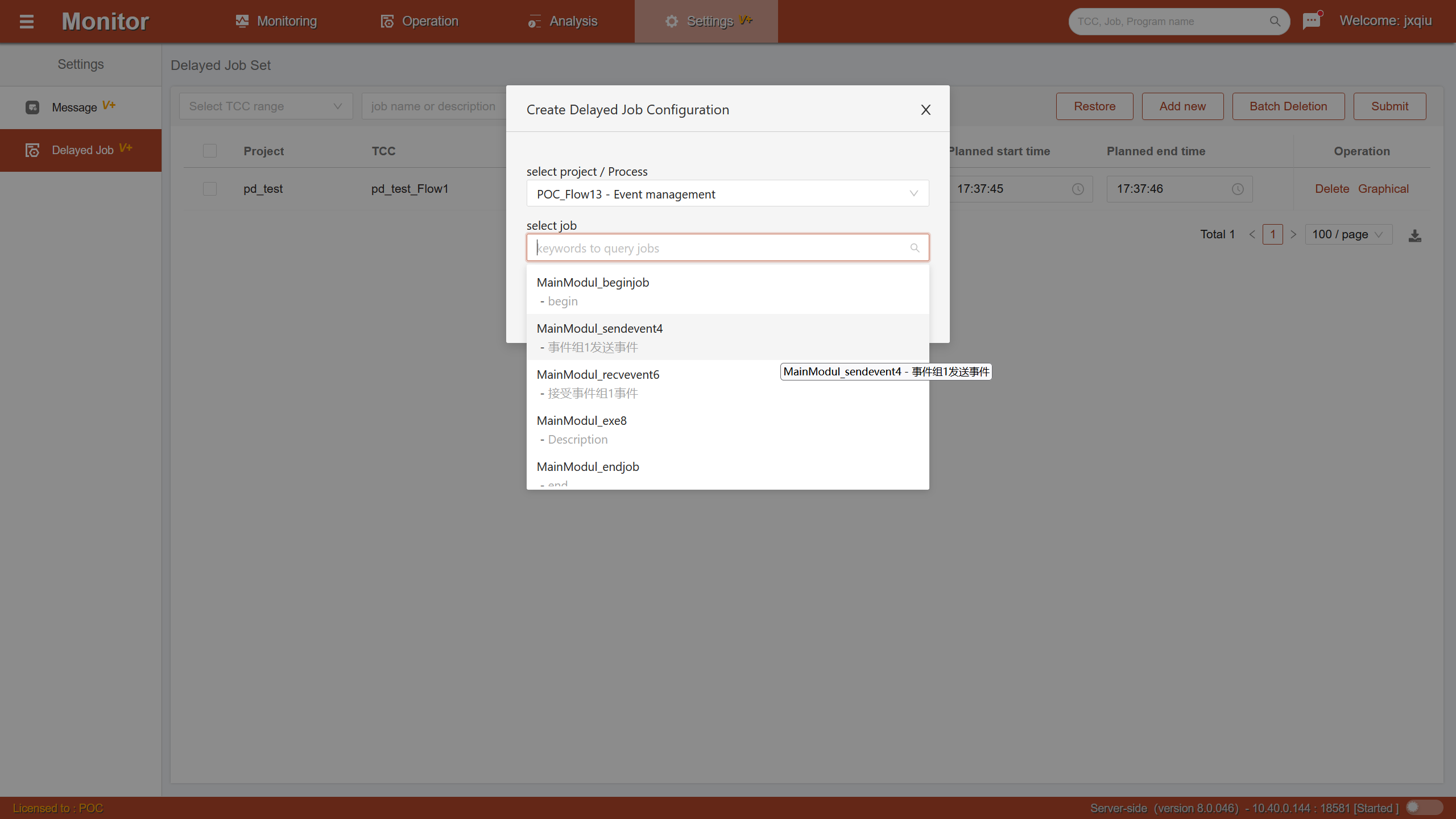
Click the Add button. In the pop-up add window, select Workflow Name and Job Name through the dropdown.
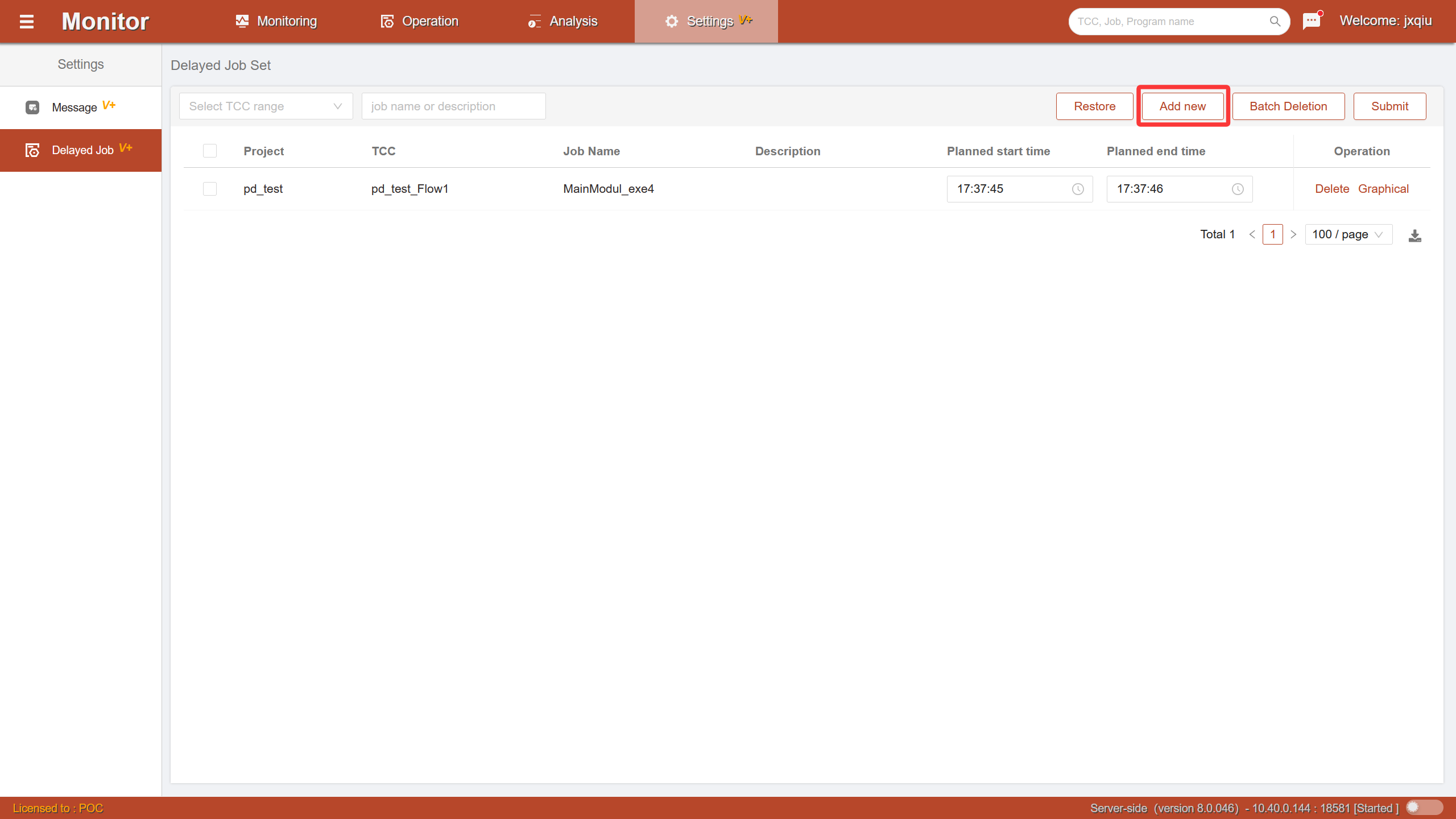
 After adding is complete, the delayed job is displayed in the list as temporary draft data. At this time, the configuration has not been saved to the server.
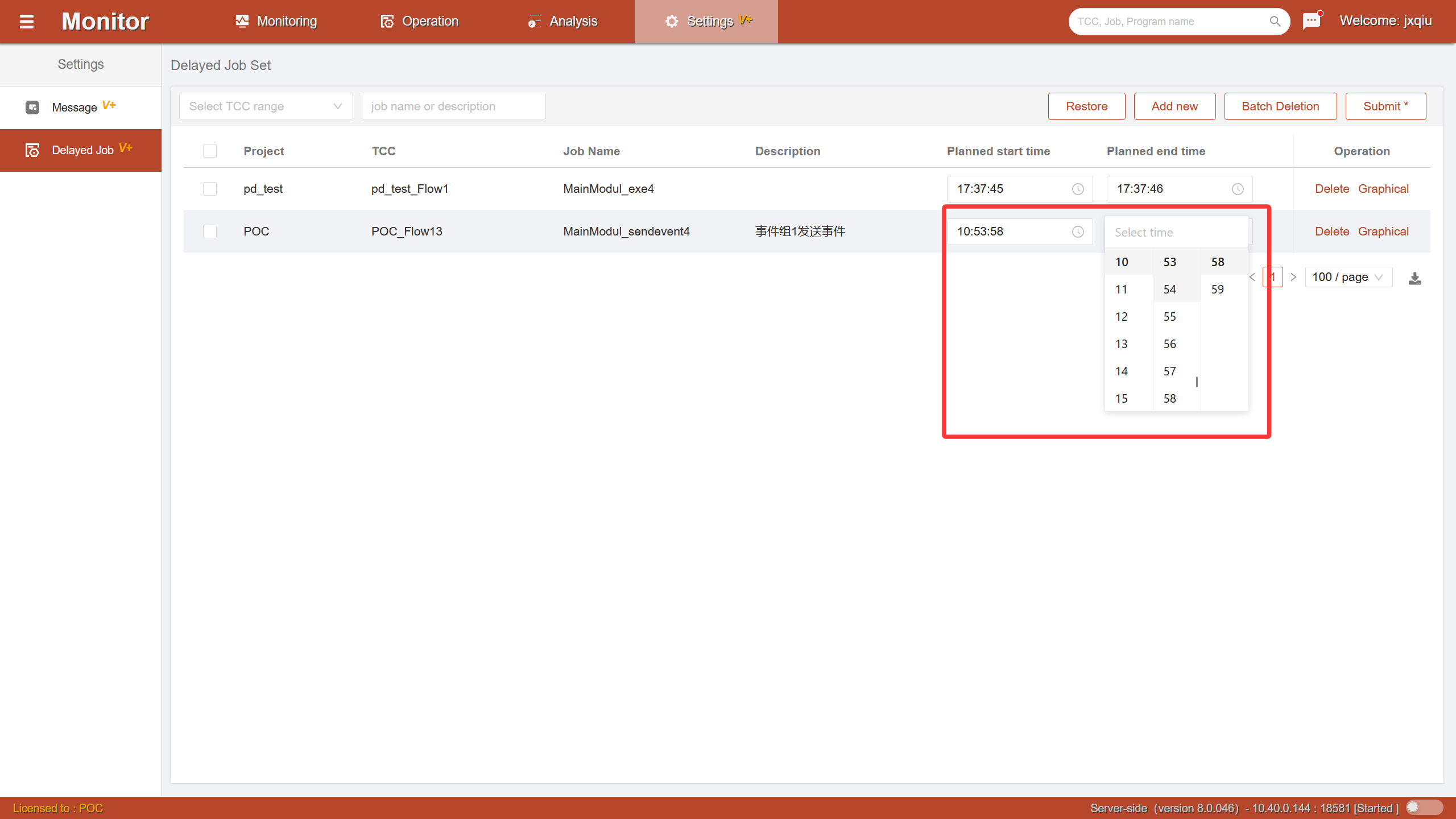
In the delayed job list, each record can configure the following two time points:
Planned Start Time and Planned End Time. Users need to configure a complete planned time interval for delayed jobs. The system will perform delay monitoring and alerts based on this time interval.
Submit and Restore Mechanism
Click the Submit button, and the system will submit all changes in the current list at once.
Click the Restore button, and all unsubmitted add, modify, and delete operations on the current page will be canceled.