Job Types
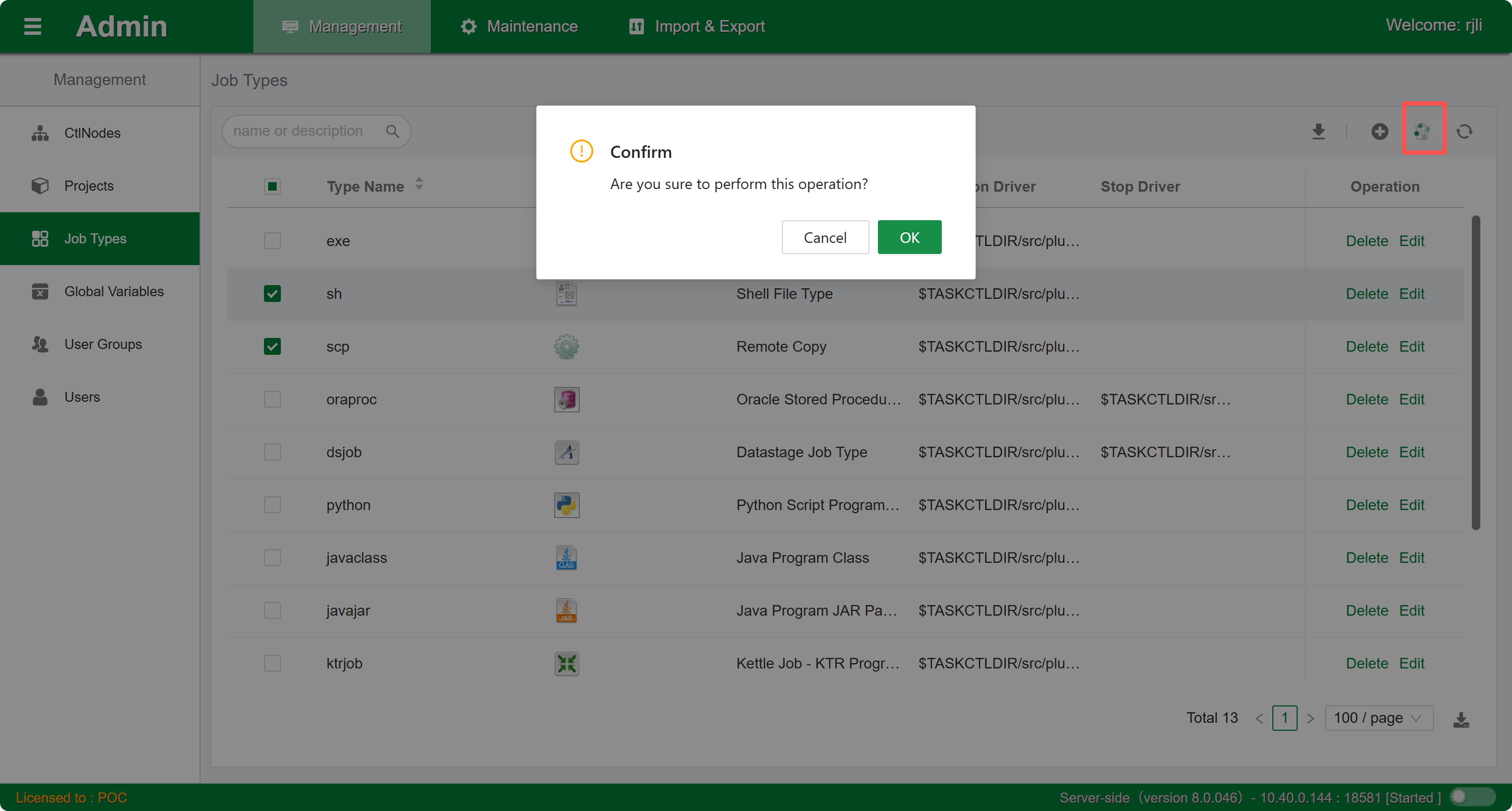
The job type menu mainly provides users with the ability to create, modify, and delete specified job type information. The job type content area includes job type modification and creation. As shown in the figure:
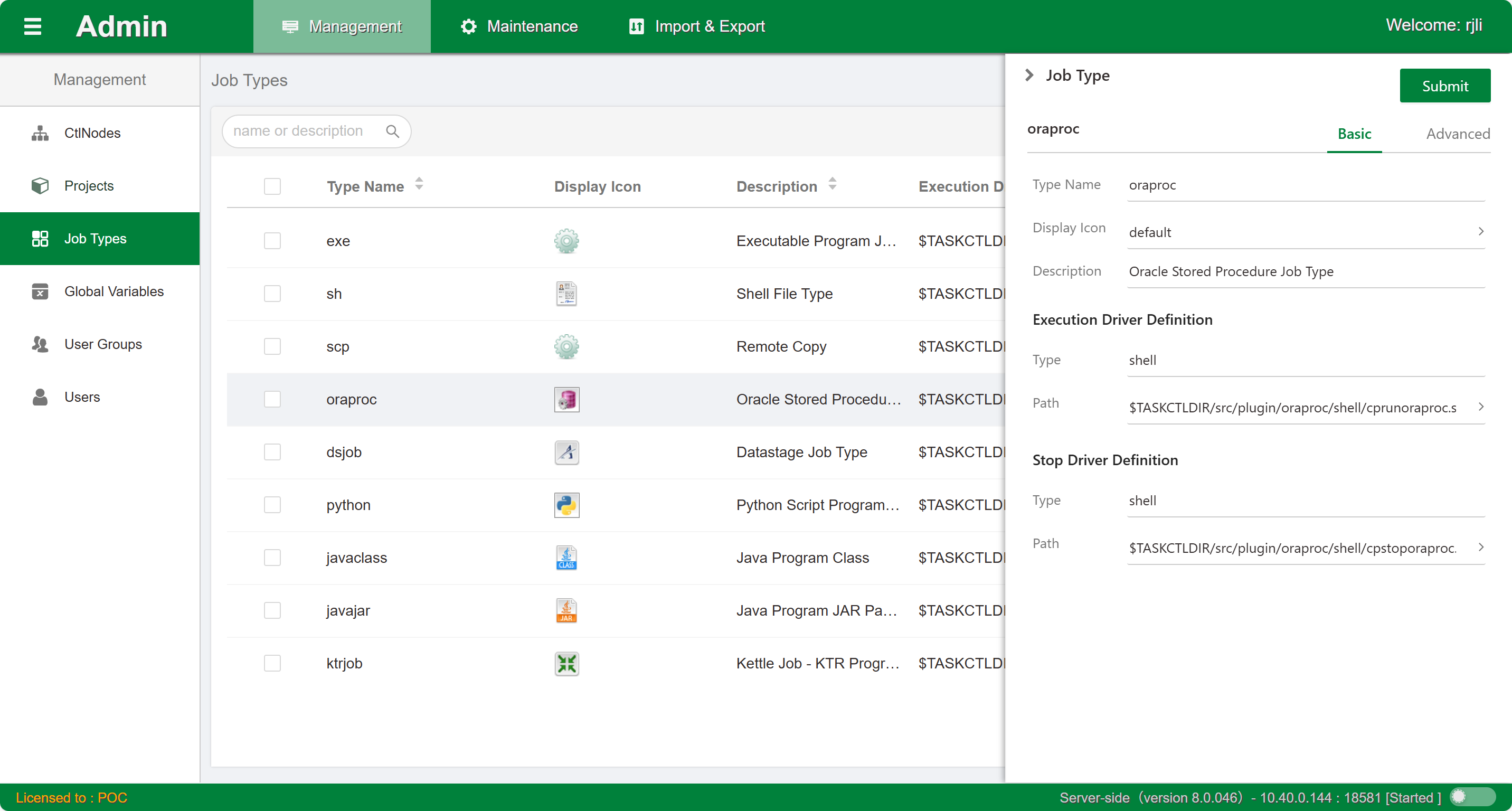
Through the above figure, the control panel for job types is as follows:
- Job type name: The name used when developing jobs in workflows. Pay attention to the following points when using it:
- Uniqueness: Job type names are unique throughout the platform and cannot be duplicated.
- Length: Job type name length cannot exceed 50 characters.
- Input restrictions: Can only contain English letters, numbers, or underscores, and cannot start with a number. Full-width characters and Chinese characters cannot be entered.
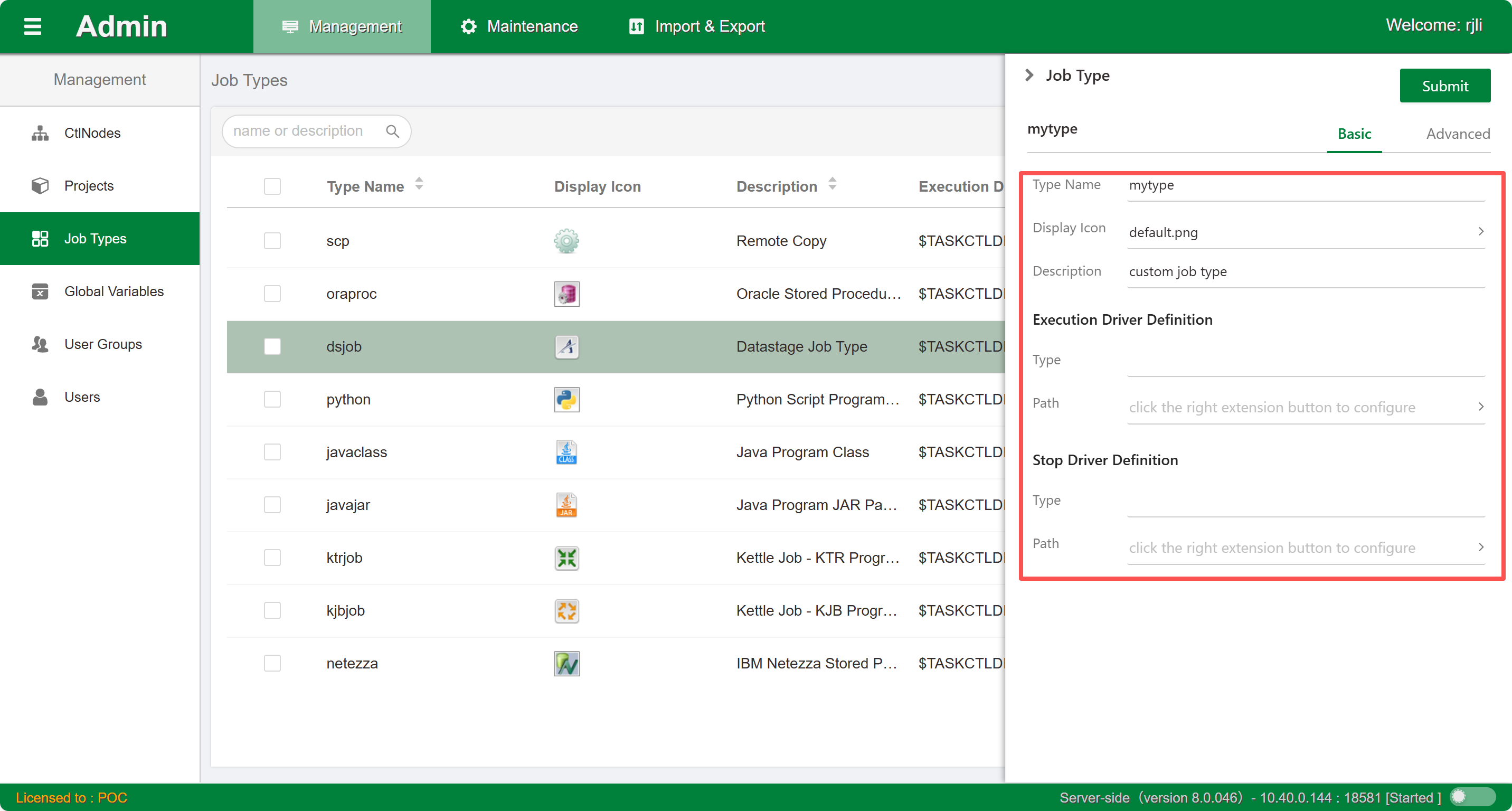
- Driver definition: The execution method and execution program are the programs used by jobs at runtime. Pay attention to the following points when using them:
- Length: Execution program length cannot exceed 100 characters.
- Input restrictions: Can only contain English characters and numbers. Full-width characters and Chinese characters cannot be entered.
- Type remarks: This attribute describes the job type's description information and can be any combination of characters.
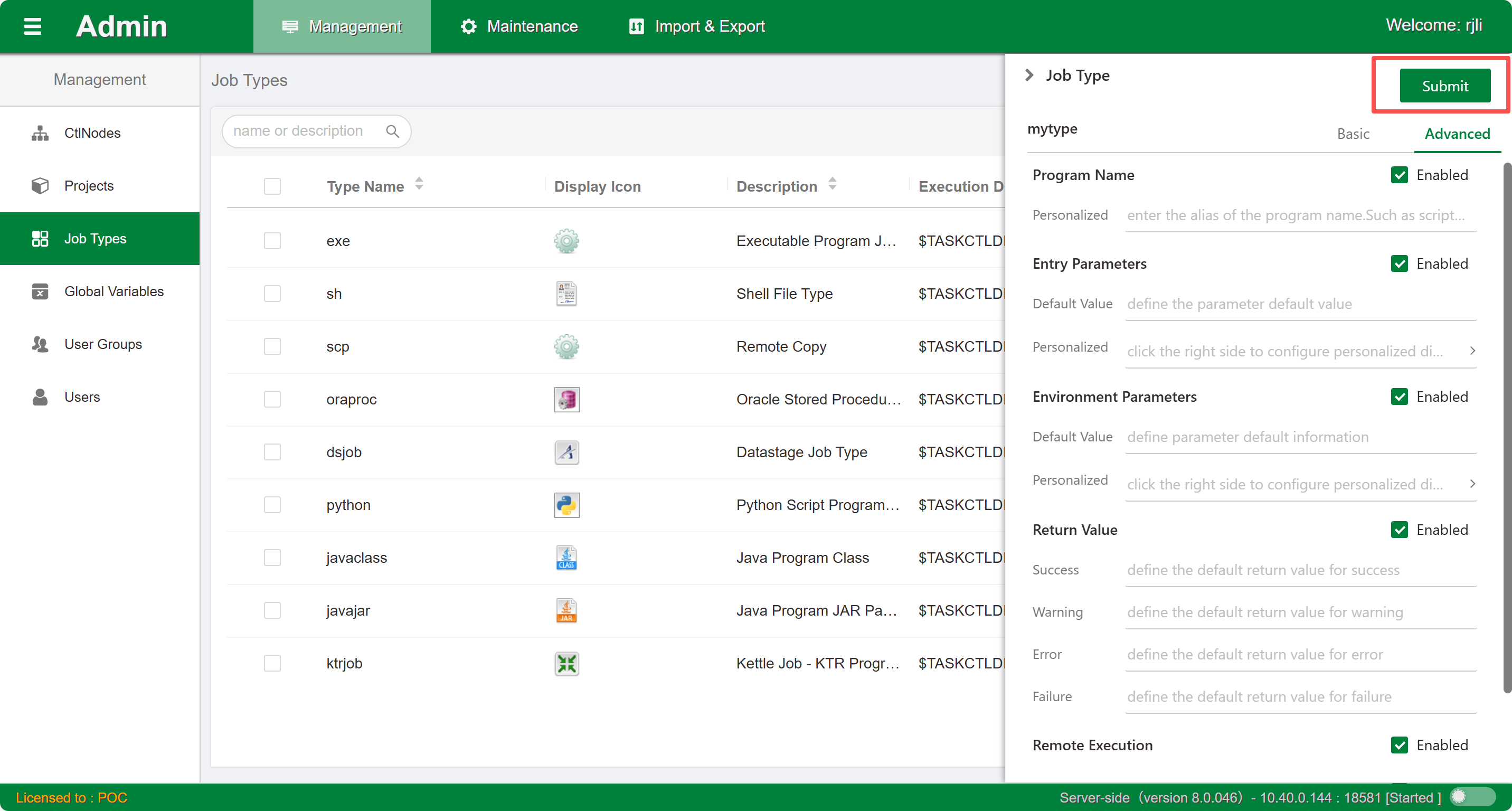
- Attribute validity: After setting the job type attribute validity, when designing jobs and configuring jobs of this type, only valid attributes will be displayed, enhancing readability and reducing complexity.
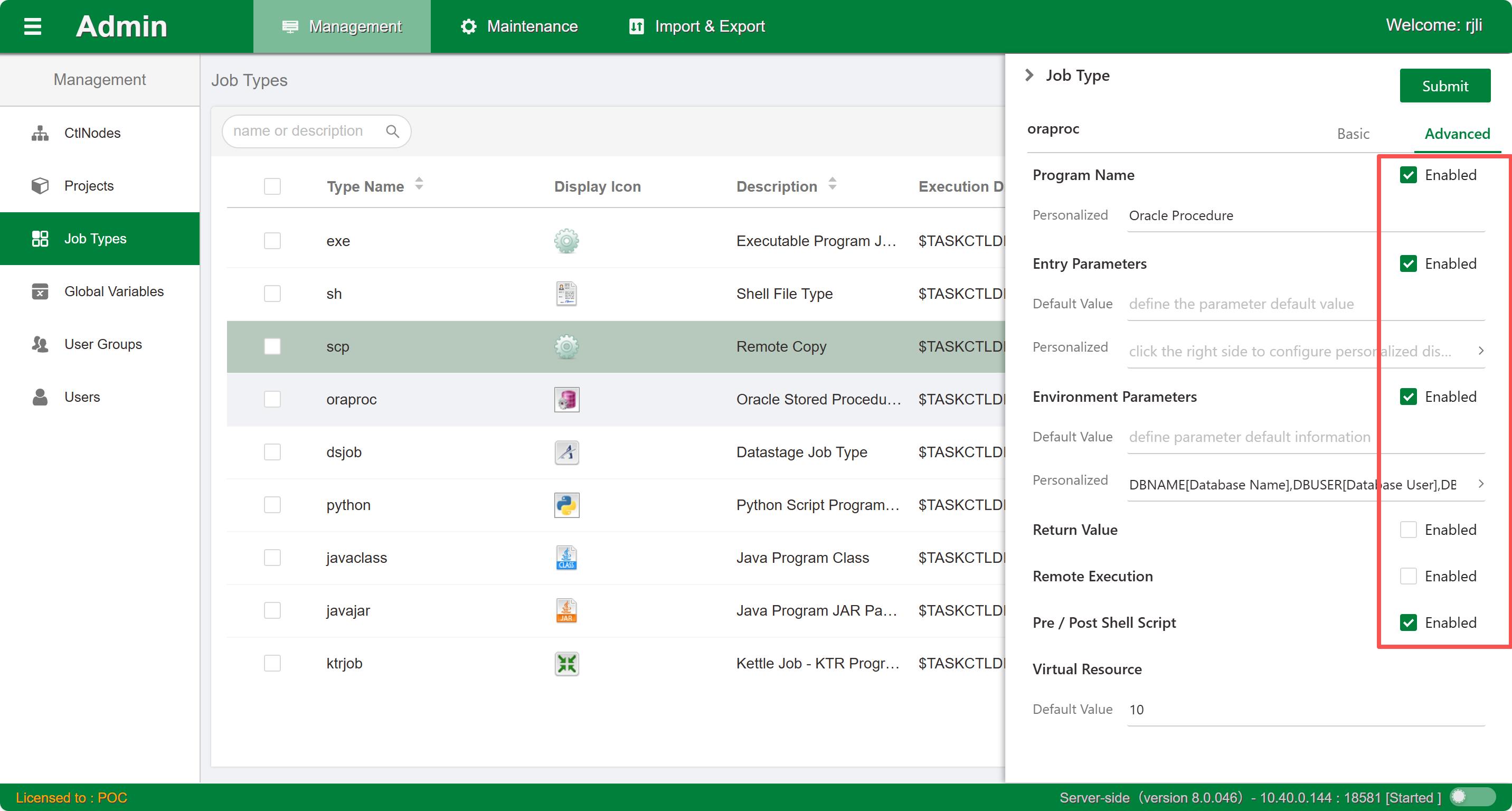 5. Default attribute values: After setting default values for entry parameters and environment parameters, when designing jobs, if jobs of this type do not define parameters, the default parameters will be used.
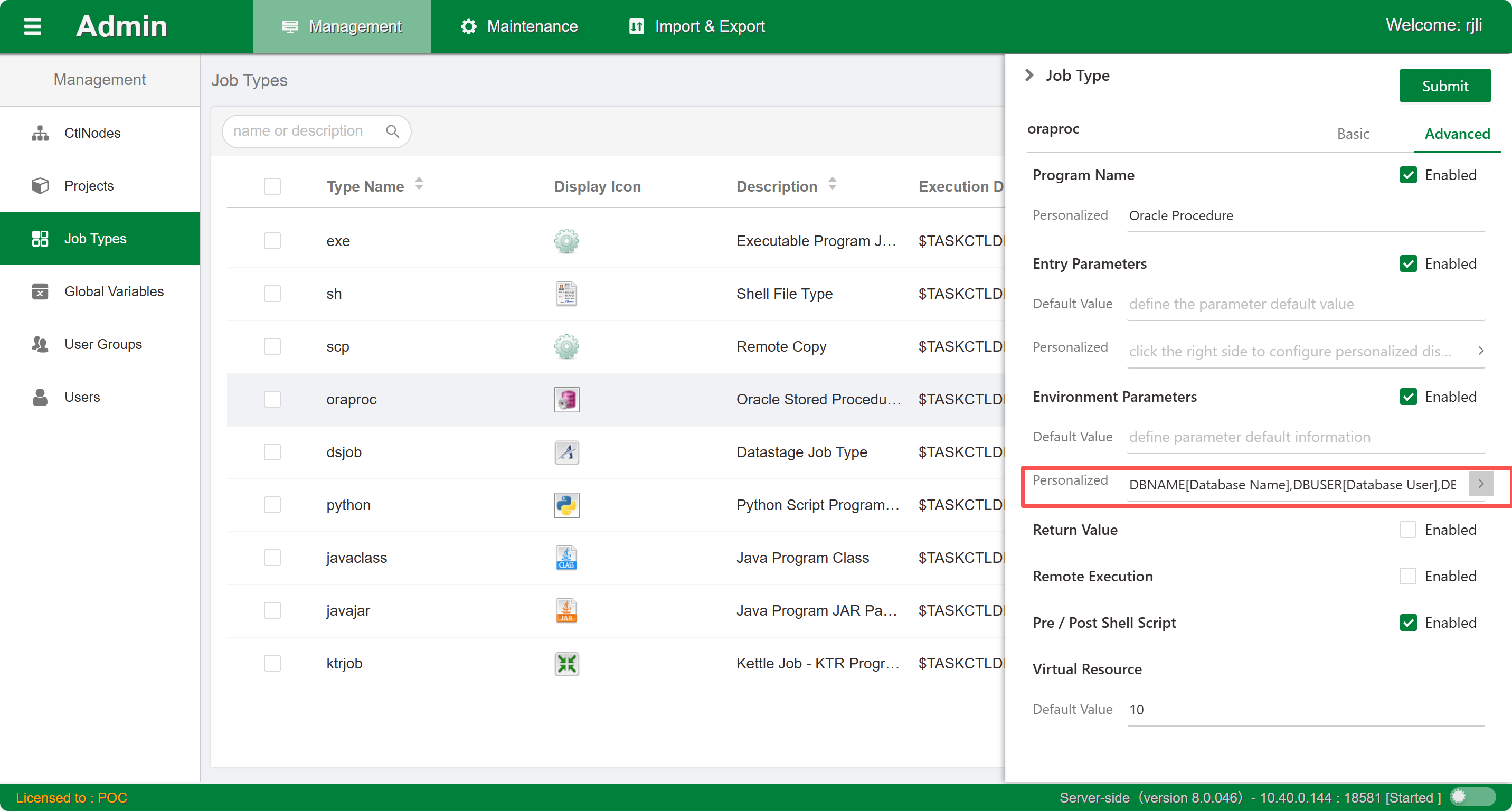
Create
Click the button to open the create new job type window, as shown in the figure:
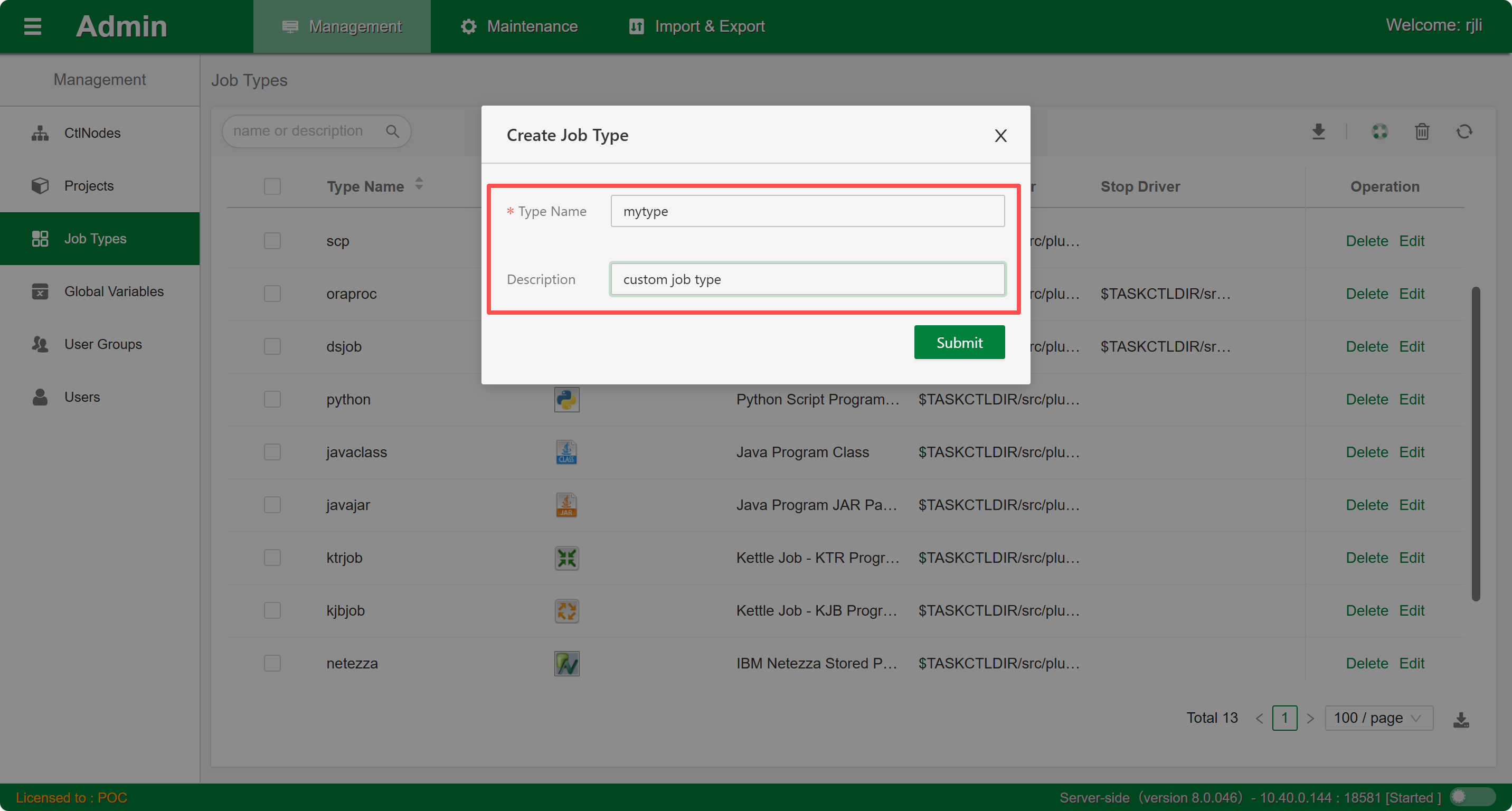
Follow the prompts to enter the type name and description. Note that once the type name is confirmed, it cannot be modified. After clicking the Submit button, the sidebar edit window will expand. Edit more basic information and predefine some job default attributes, as shown in the figure:
Modify
Click the Edit button in the list to open the current job type's sidebar edit window. Modify and configure the basic information and job attribute configuration information. Click the Submit button and wait for completion.
Delete
Click the Delete button in the list to delete the current job type. You can also select multiple job types for batch deletion.