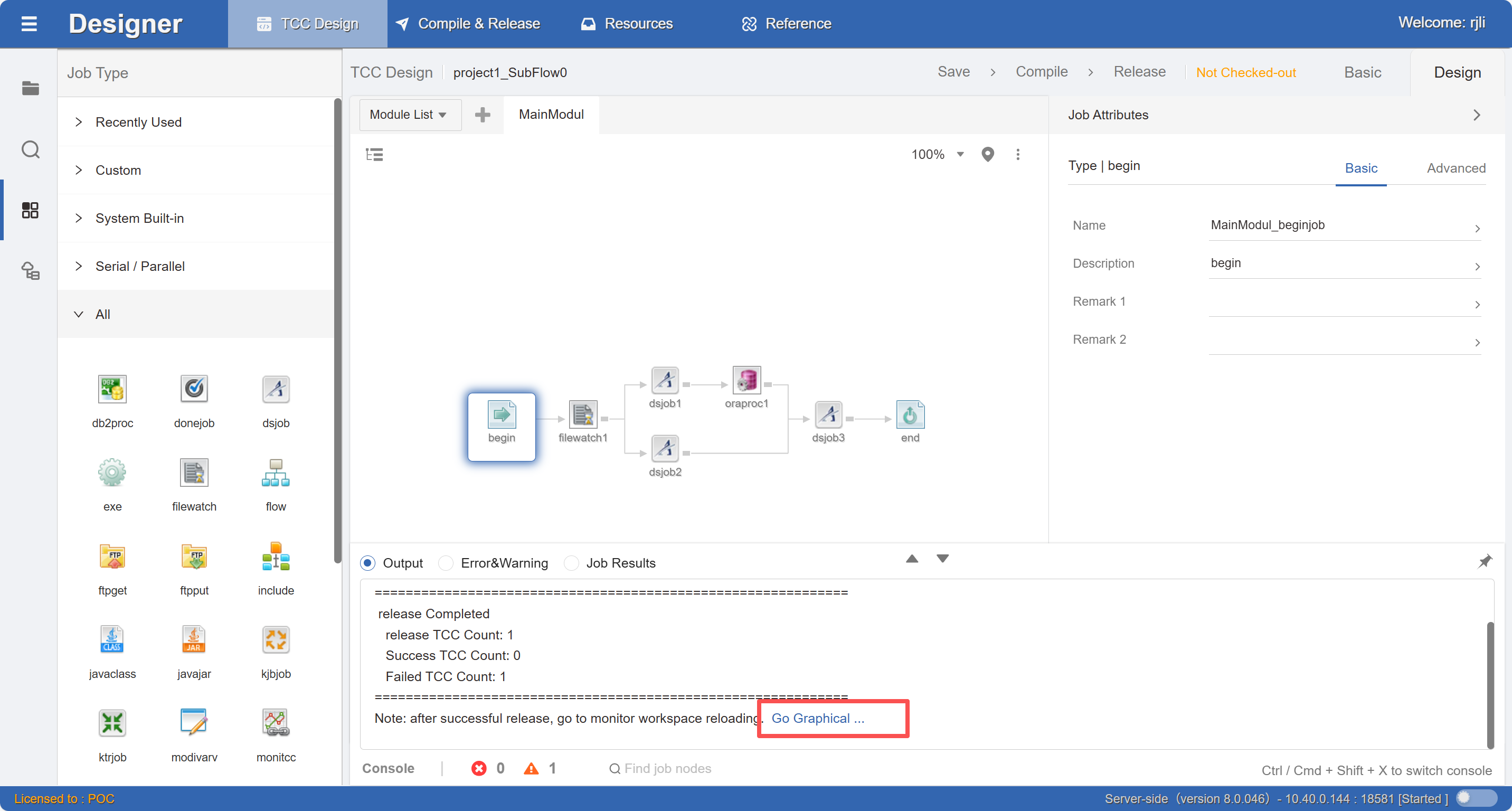
Release
Job flows that have been successfully compiled are released to the Monitor operation monitoring area, enabling scheduling and monitoring of this job control container.
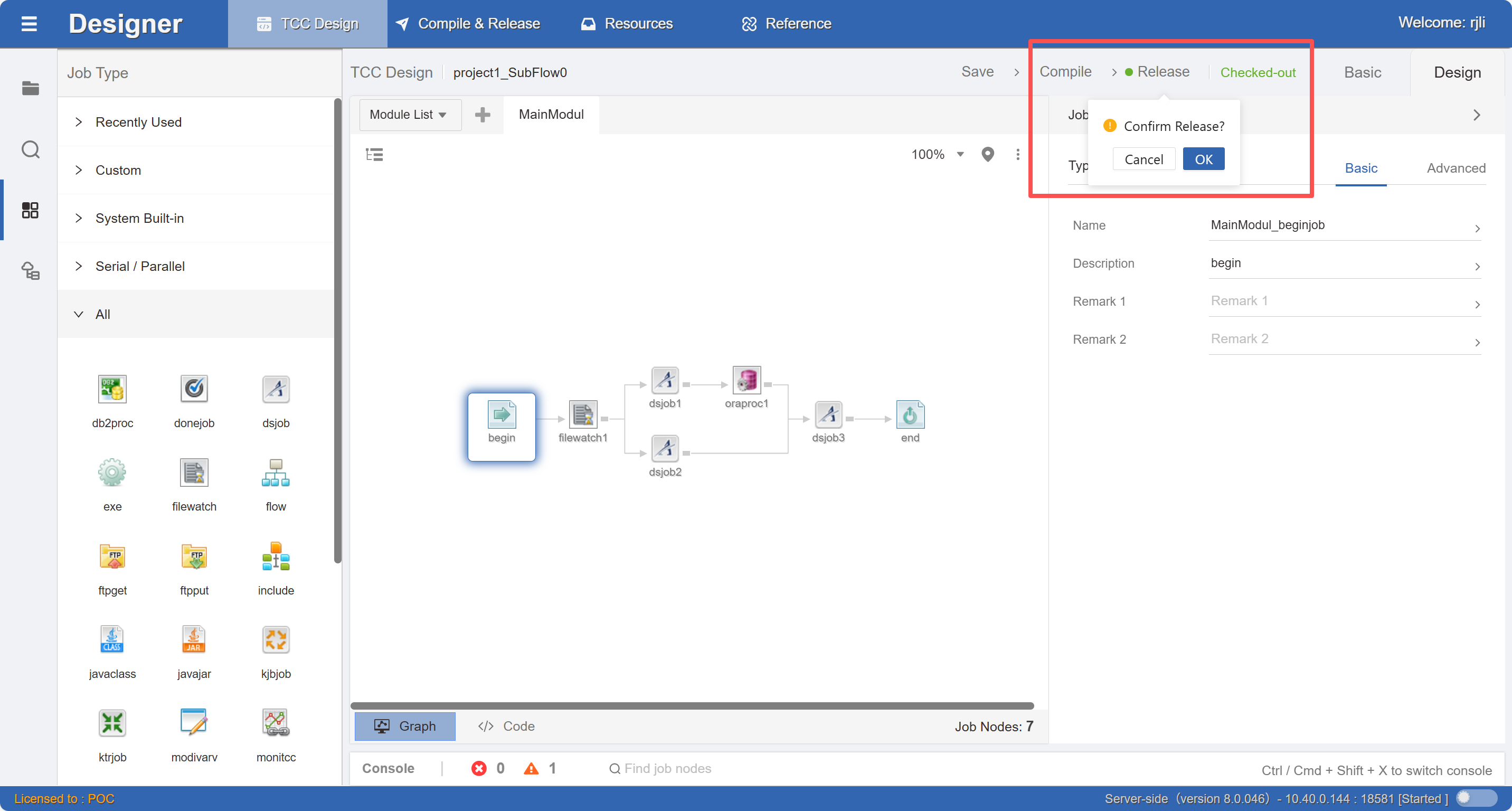
Note: If the design content has not changed, it cannot be released.
Version Archive
After successful release, a historical archive is created. You can quickly switch between different release versions or compare versions.
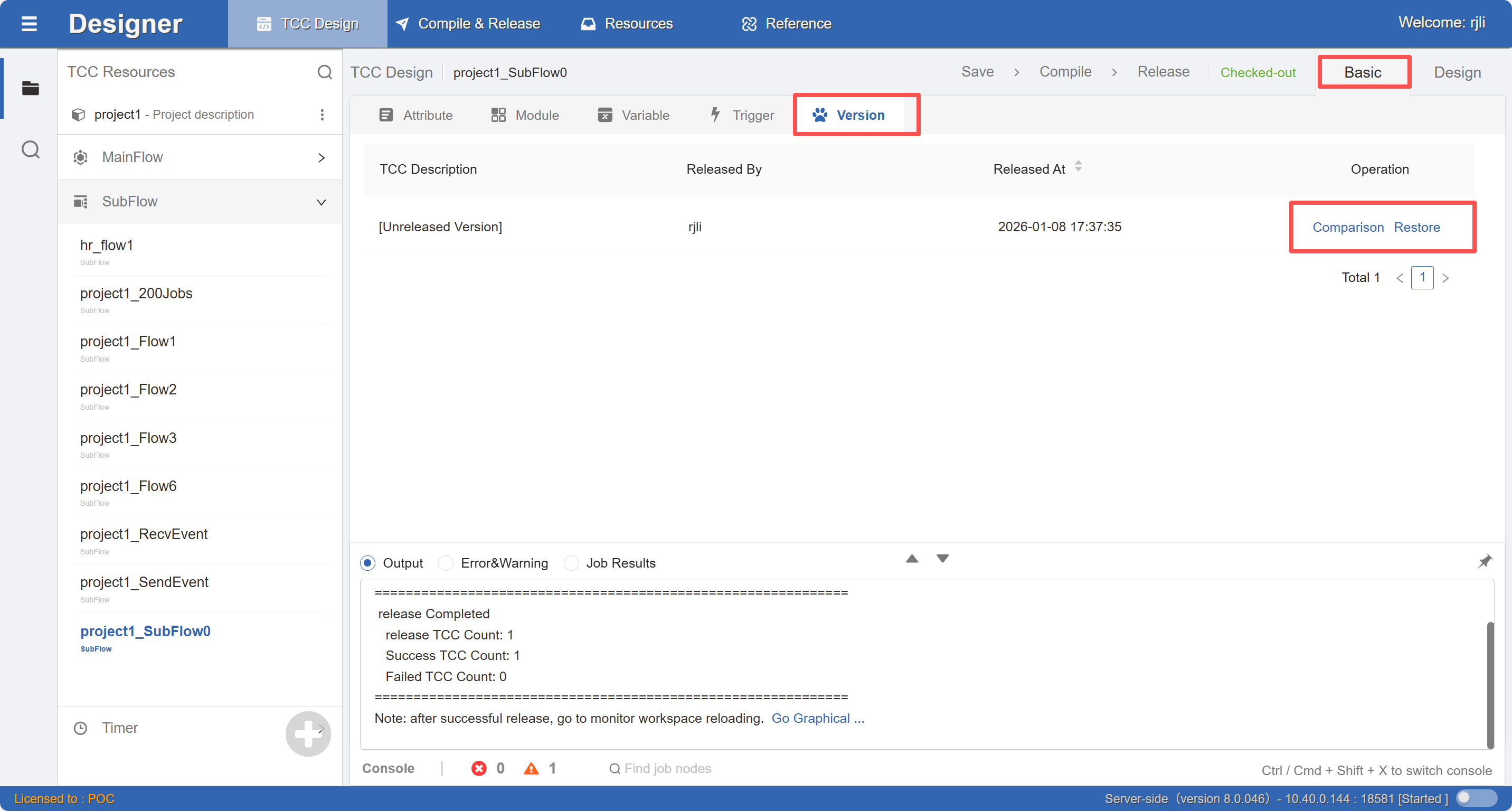
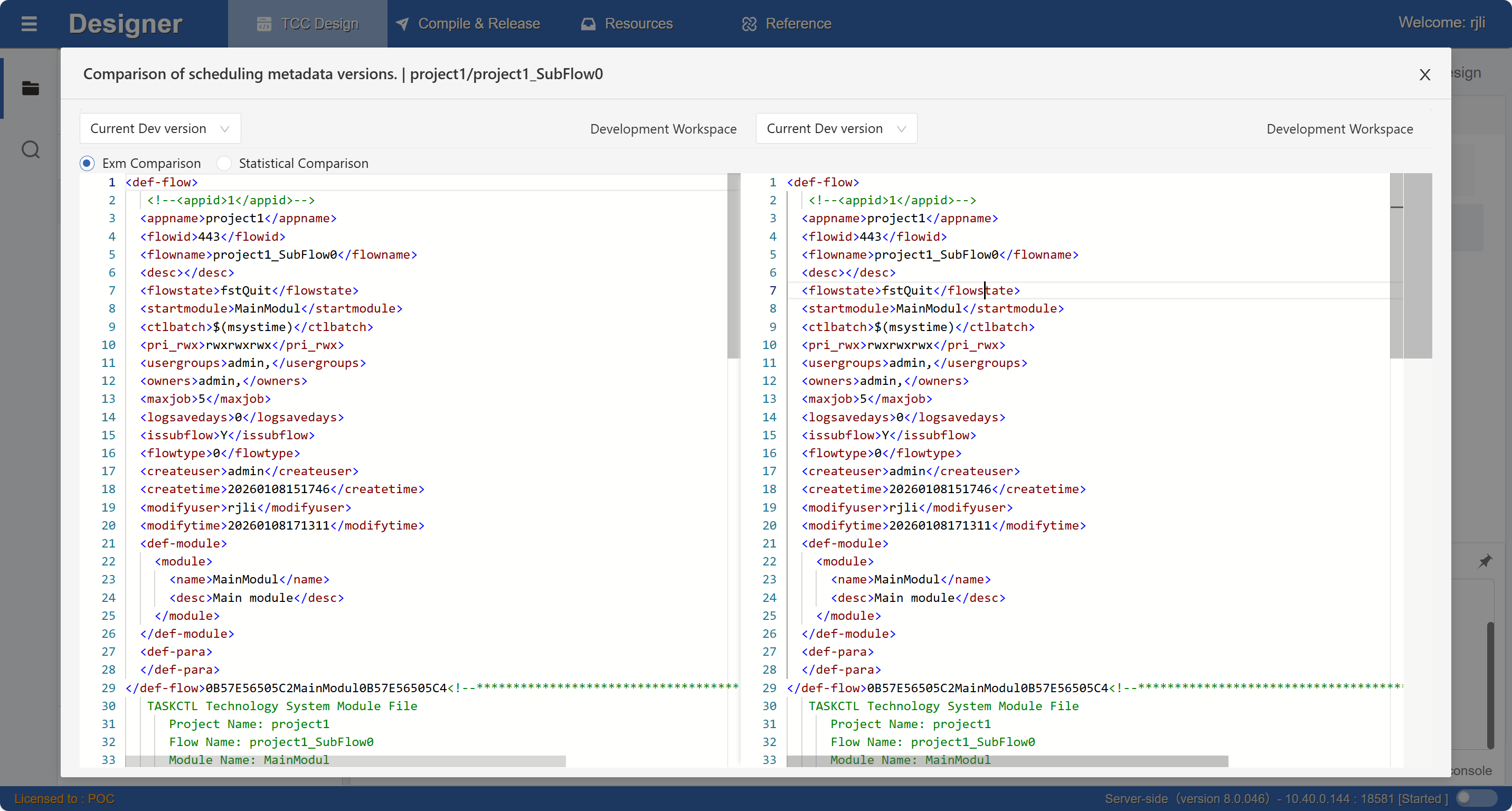
Click the Compare button in the version list data to view change differences in different version metadata.
Go to Monitor
After the release is ready, click Go to Monitor in the Console Panel to quickly jump to the Monitor monitoring container page, as shown in the figure: