Timer Design
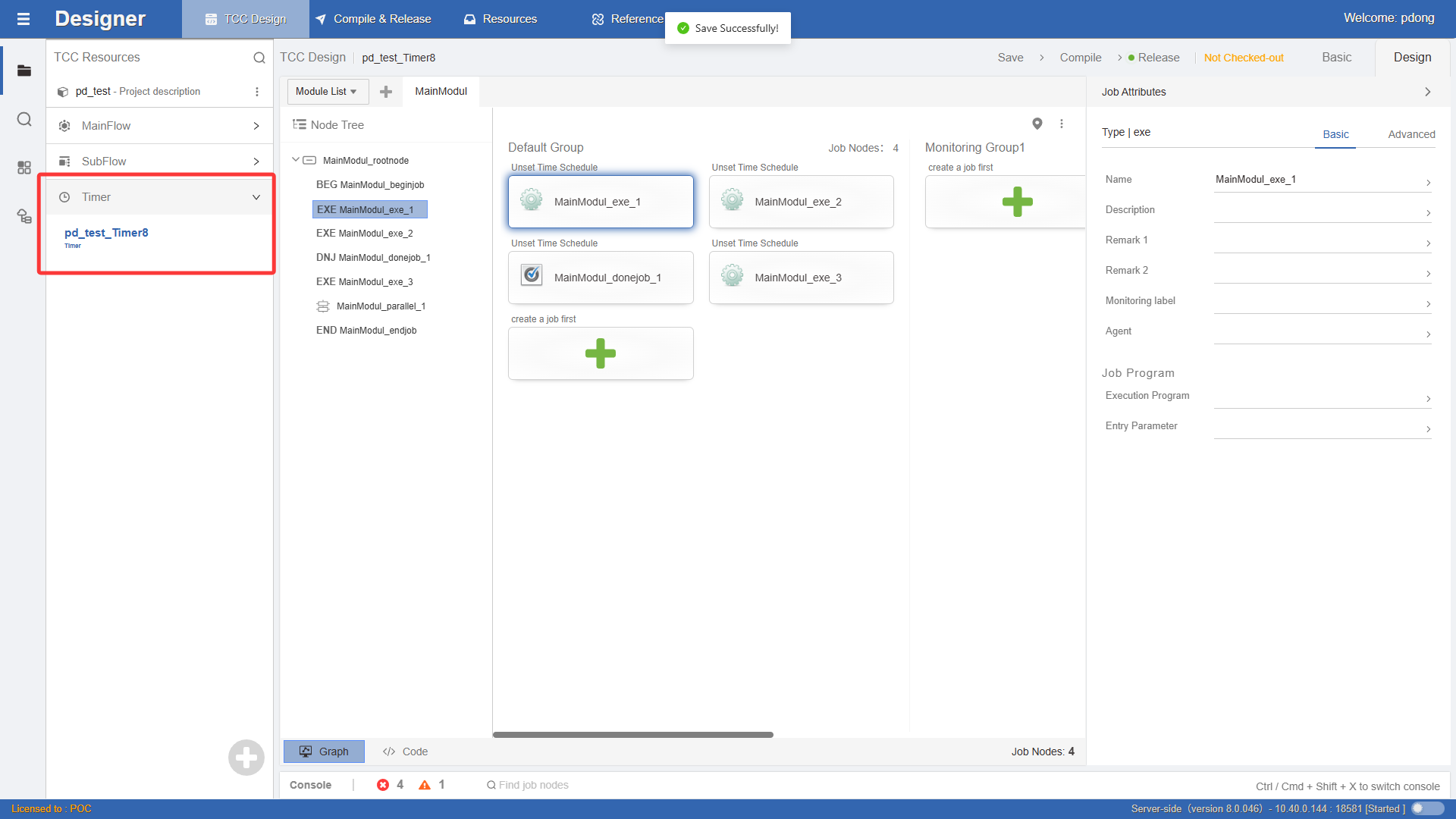
The design steps for timers are similar to those for job flows. After creating a timer, enter its main module view design window.
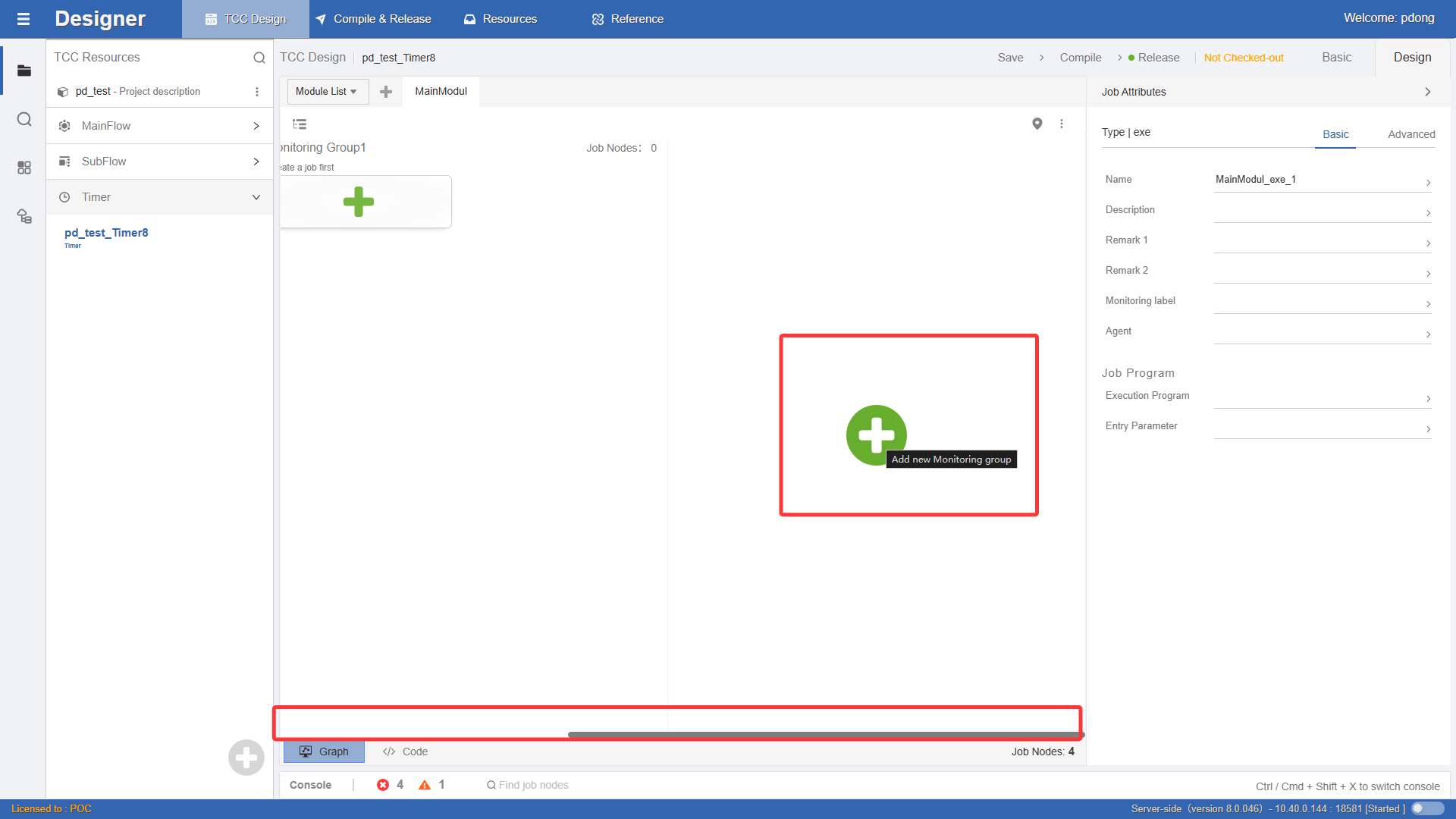
In timers, parallel groups are used to group jobs with different execution frequencies. Drag from the left toolbox to the node tree on the right side of the view. Or directly click the + button on the blank area of the canvas to add a group.
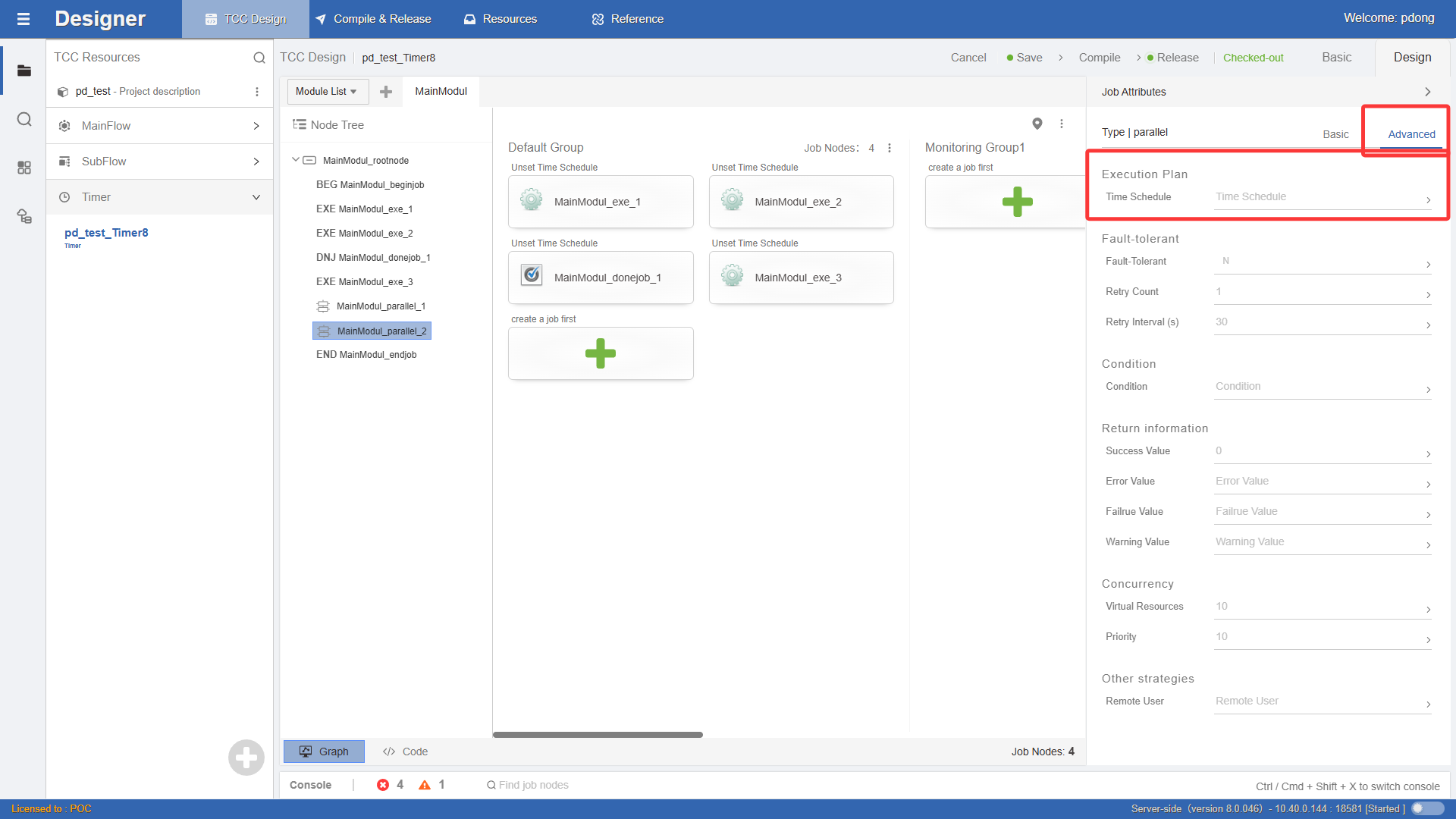
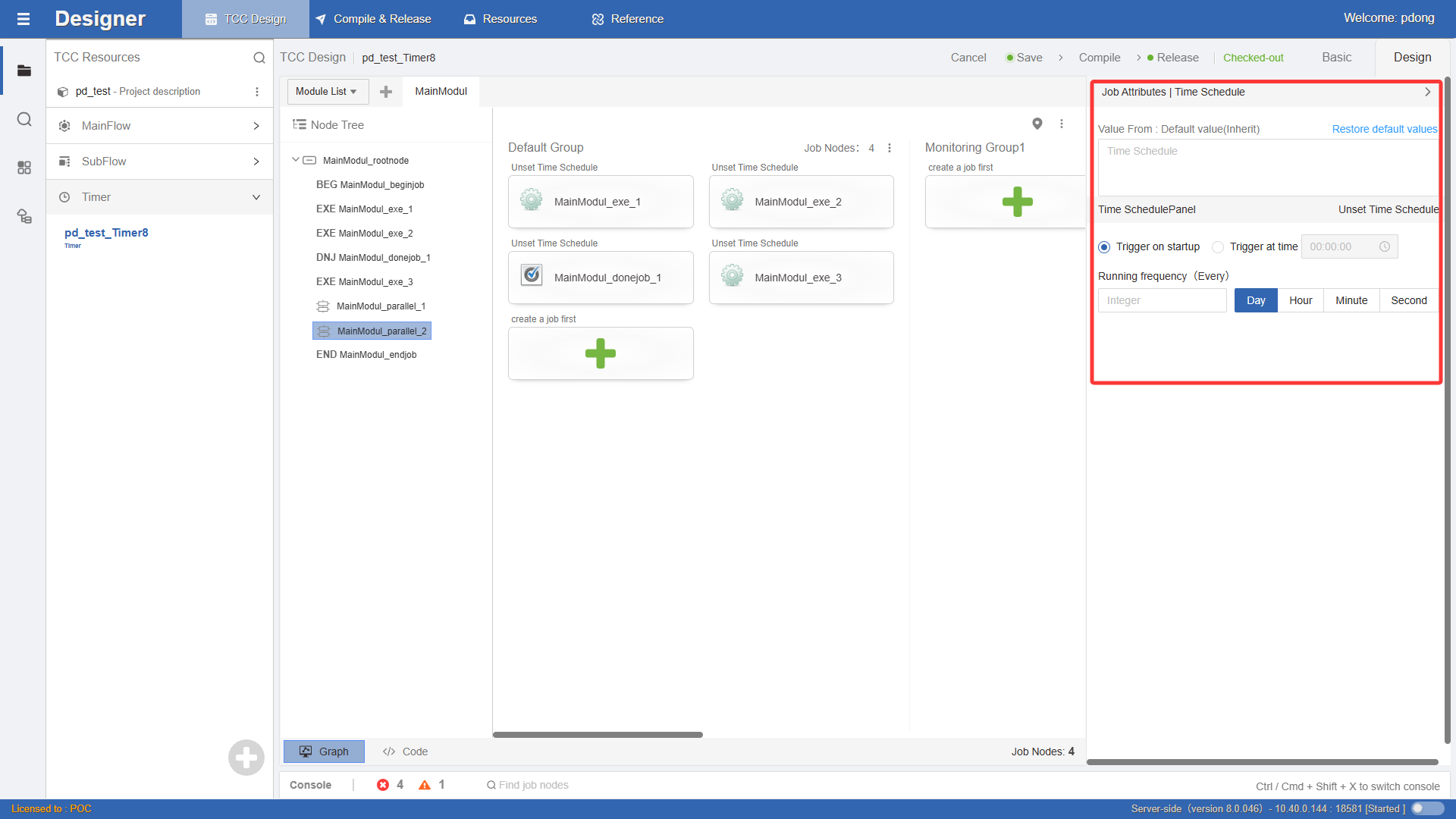
After creating a group, you need to set the execution frequency for jobs in advance. Double-click the job node to open the Job Properties, select Advanced, find Time Schedule, and click the > icon to set it, as shown in the figure: