
Module Code Design
Design Layout
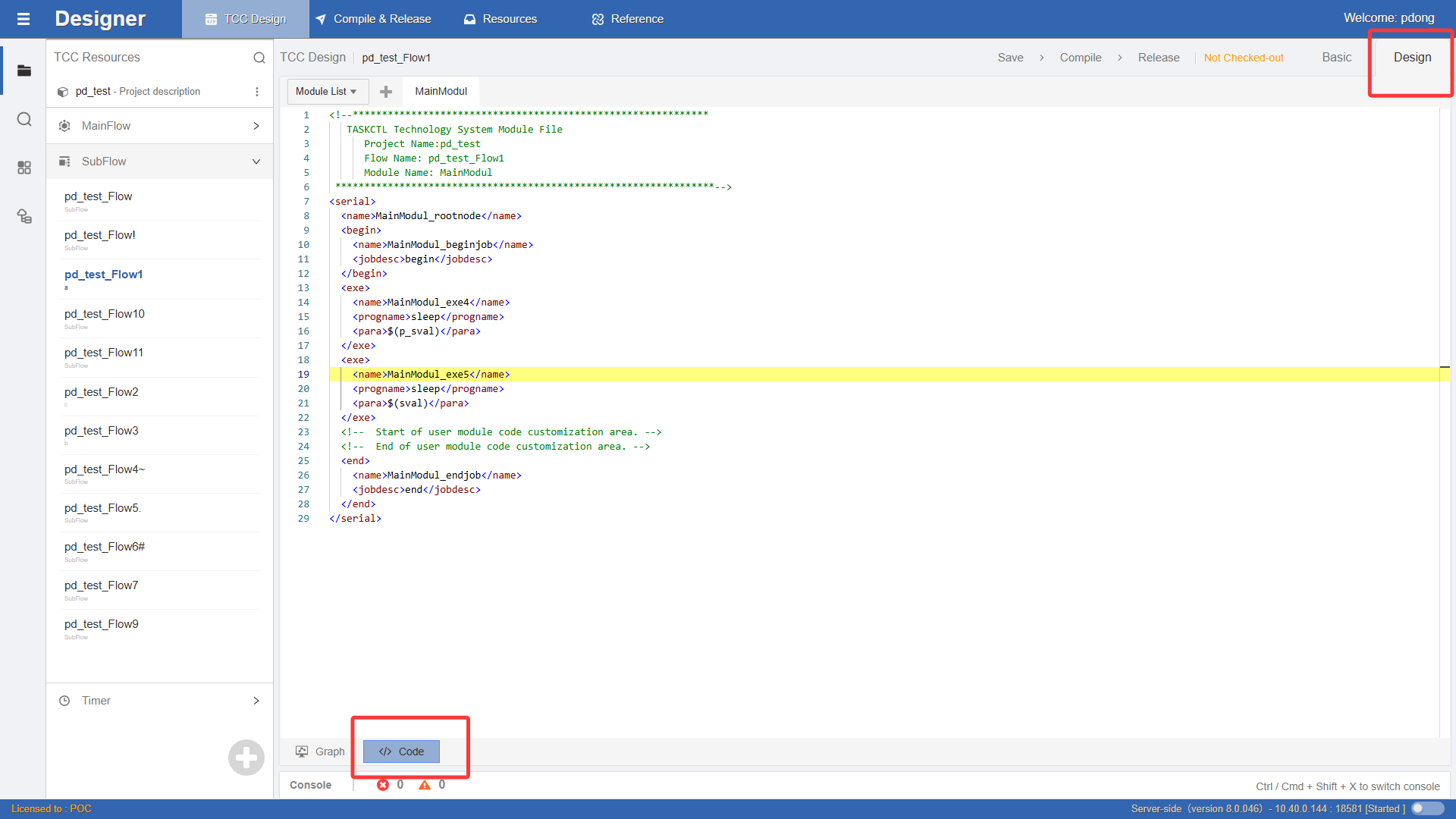
When designing in the graphical mode described above, you can enter the code editing mode by clicking the `` Module Code button. Module code design is a new concept proposed by WLOADCTL for scheduling workflow design. The WLOADCTL module syntax is similar to XML structured tag language. Mastering code development plays a decisive role in improving workflow development efficiency.
Right-click or press the shortcut key F1 to enter the xml Command Panel, as shown in the figure:
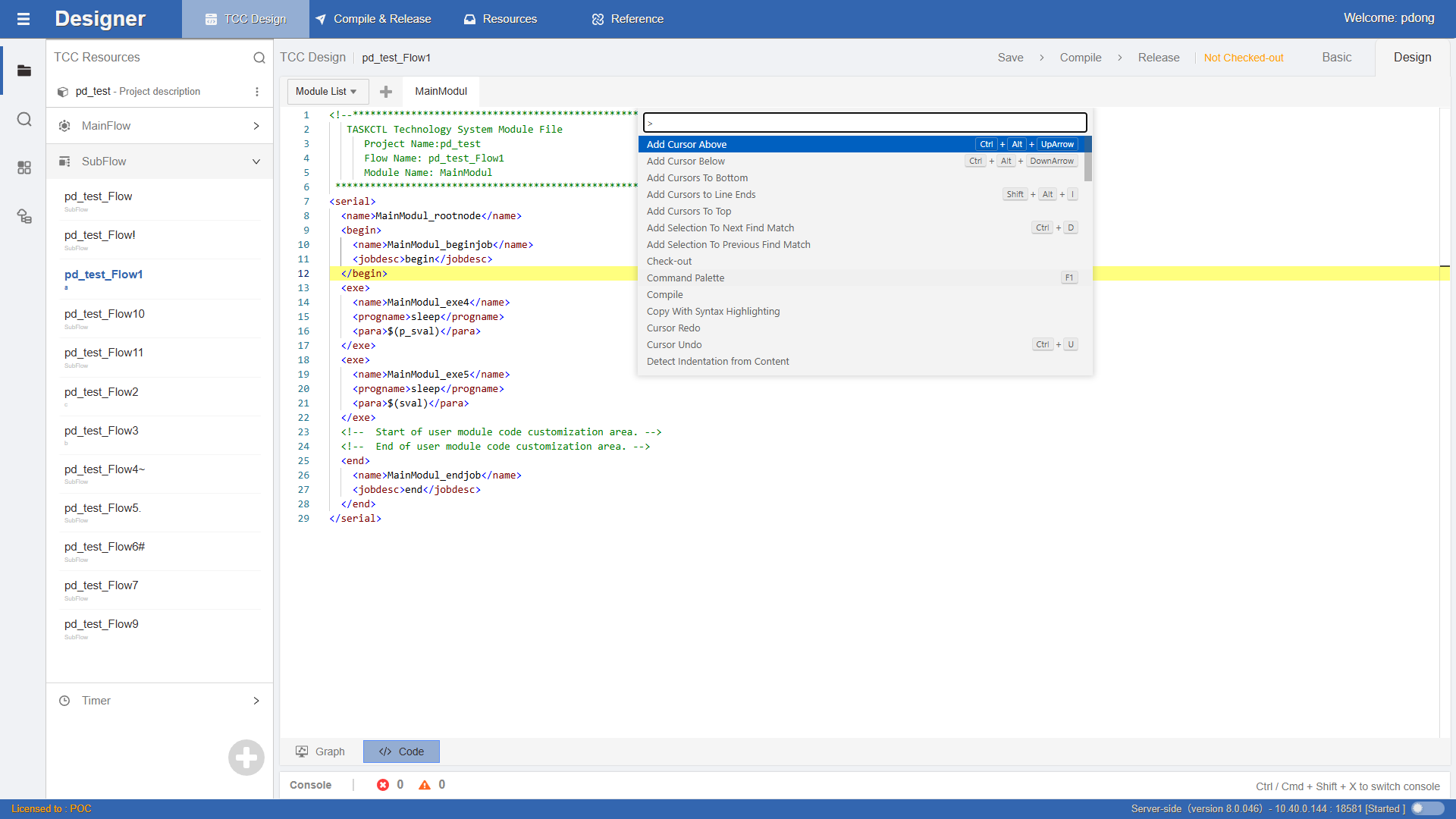
As you can see, the module code designer is a standard text editing tool with features such as Copy, Cut, Paste, Undo, Redo, etc. It also has features of traditional advanced language programming tools such as keyword highlighting, line numbers, indentation, text formatting, and code comments. The code window can be split for easy reference at any time.
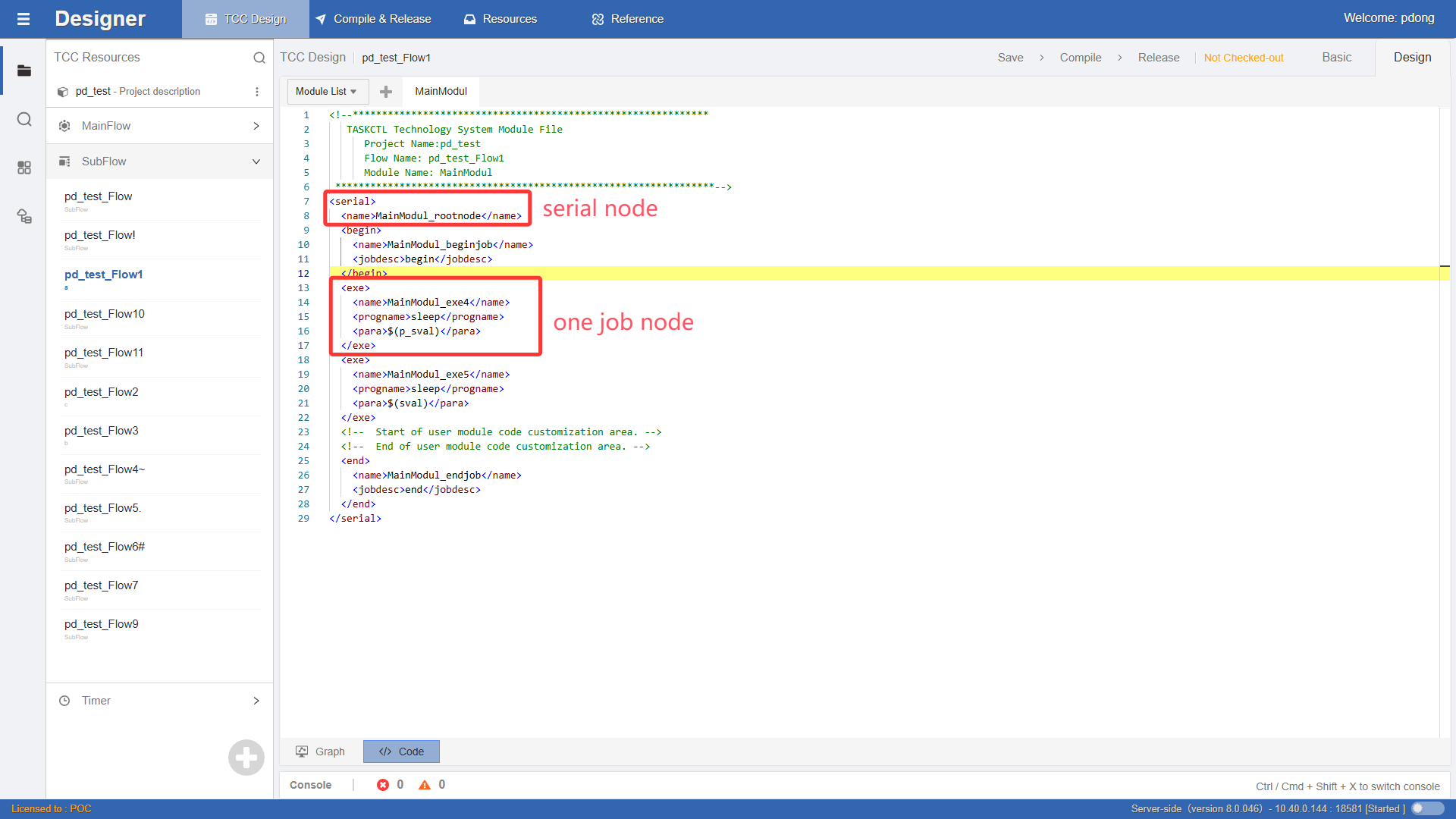
Job Node Definition
As shown in the figure:
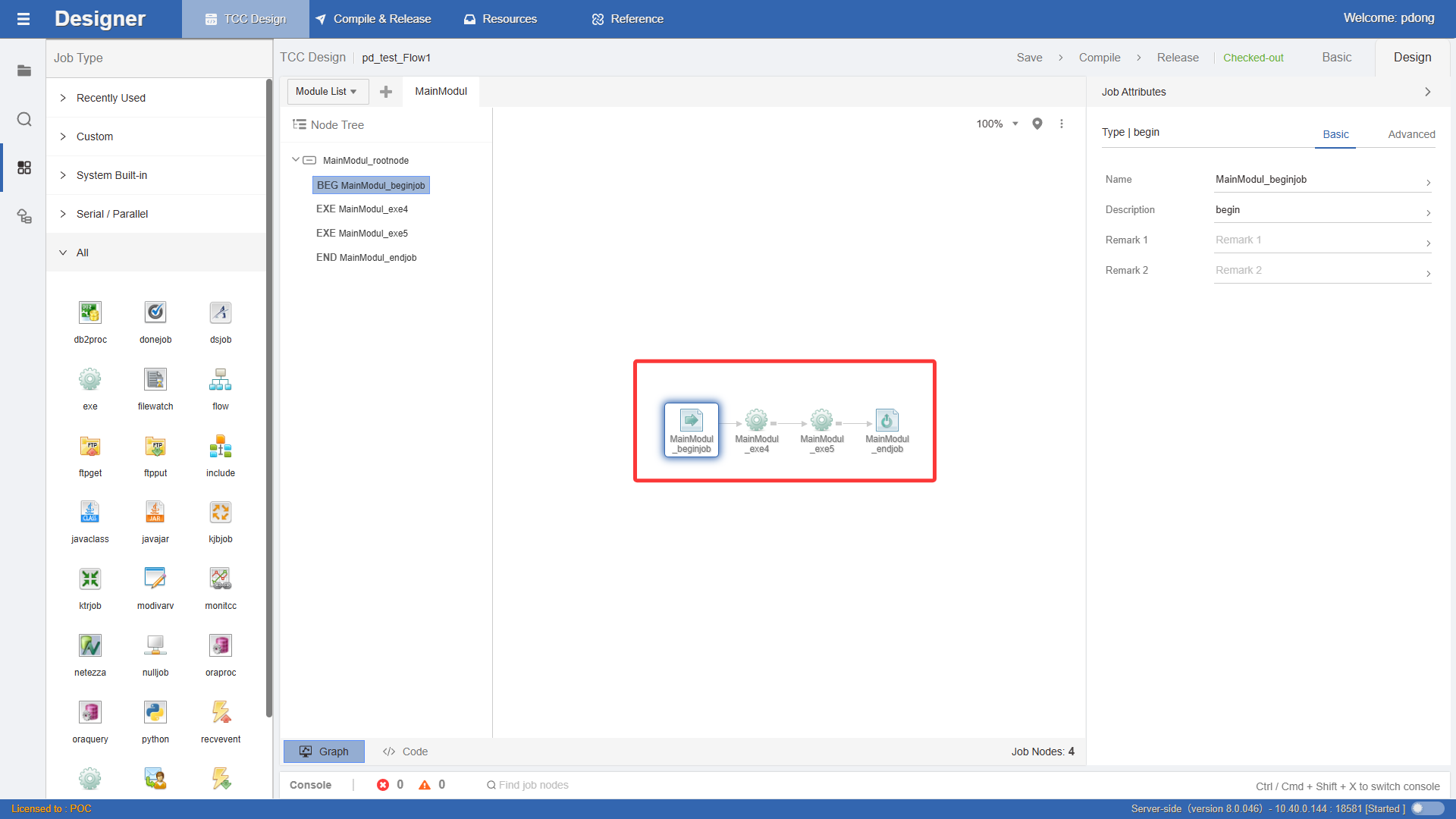
Serial and Parallel Relationship Definition
As shown in the figure:
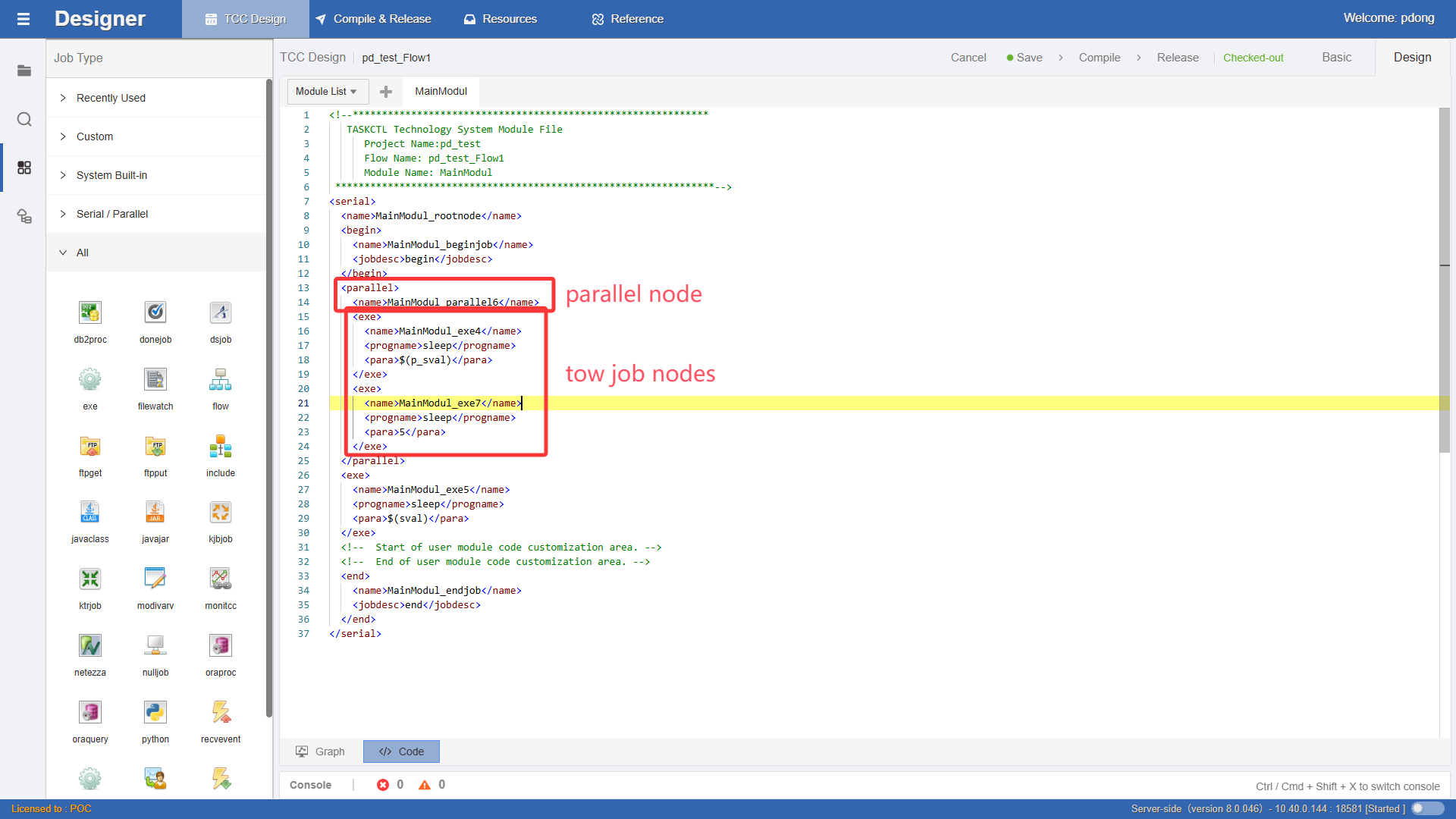
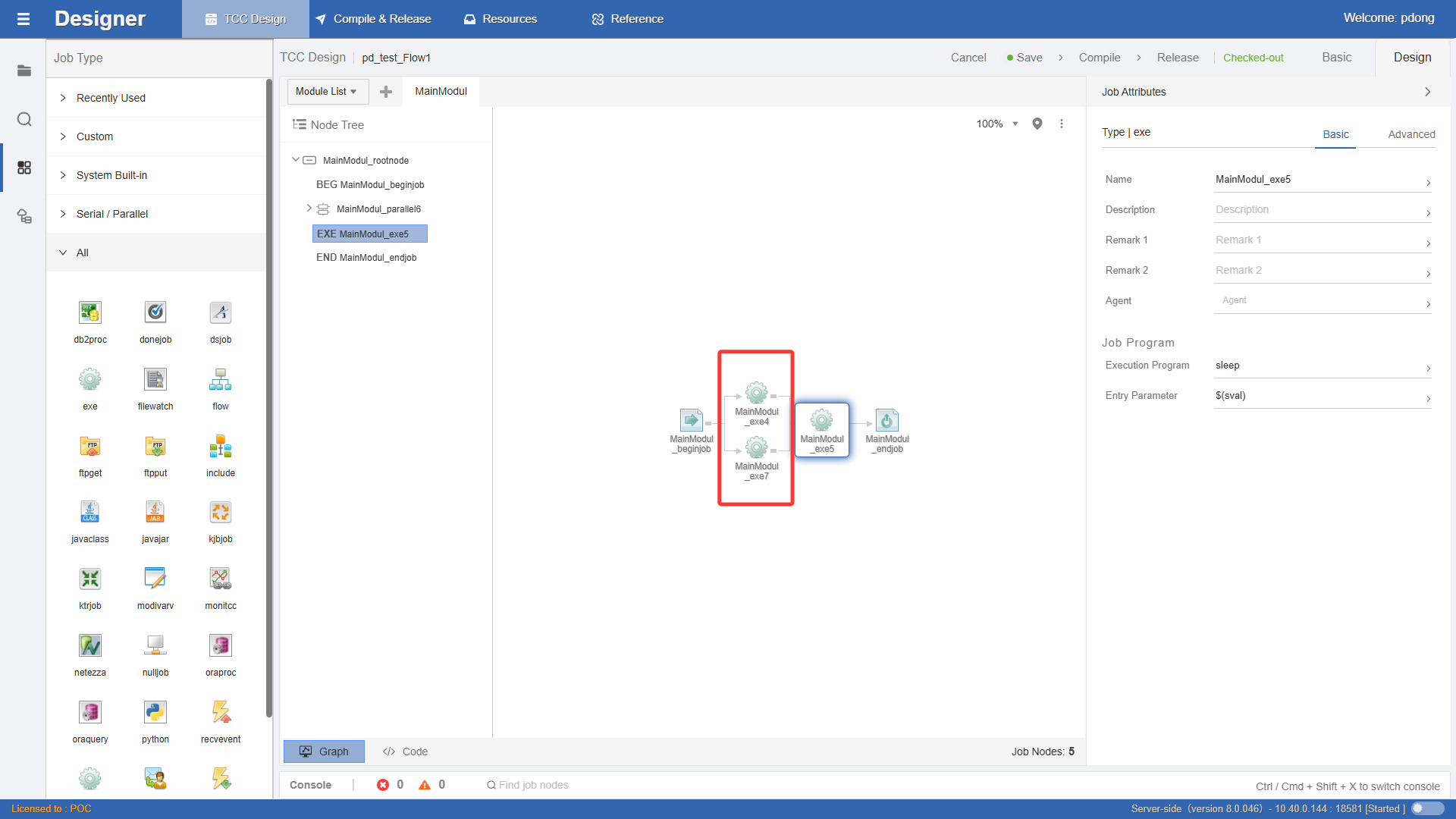
In fact, as long as you master the serial and parallel node design of workflows, you can design ordinary workflows. For more information about workflow control design, please refer to the document WLOADCTL Product Documentation - Code Rule Syntax.